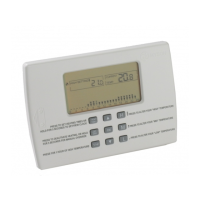
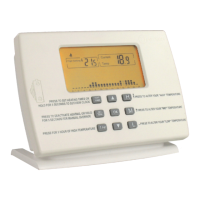
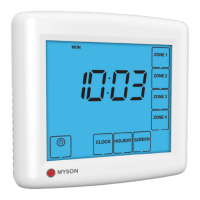
Model: TOUCH4
8
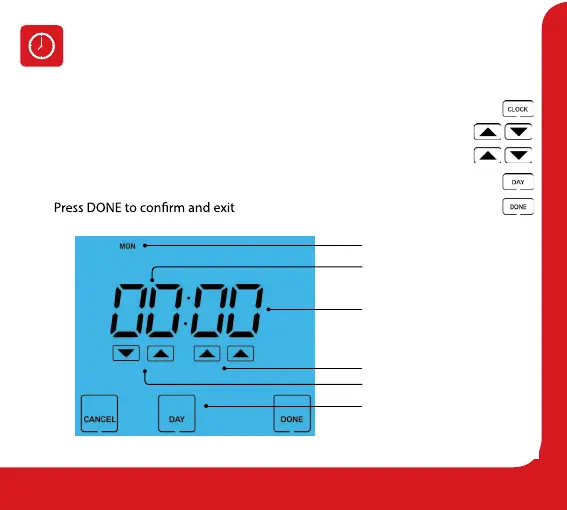
To set the clock, follow these steps:
• Press the Clock key .................................................................................................................
• Use the Left Up/Down keys to set the hour .......................................................
• Use the Right Up/Down arrow keys to set the minute ....................................
• Press the Day key to set the day ........................................................................................
•
.........................................................................................
Setting the Clock
Adjust Hours
Adjust Minutes
Minutes
Adjust Day
Current Day
Hours


 To Next Page