EasyManua.ls Logo

N-Com BX4 PLUS - 16 Summary Table of Controls

Default Icon
32 pages
Print Icon
To Next Page IconTo Next Page
To Previous Page IconTo Previous Page
Loading...
26
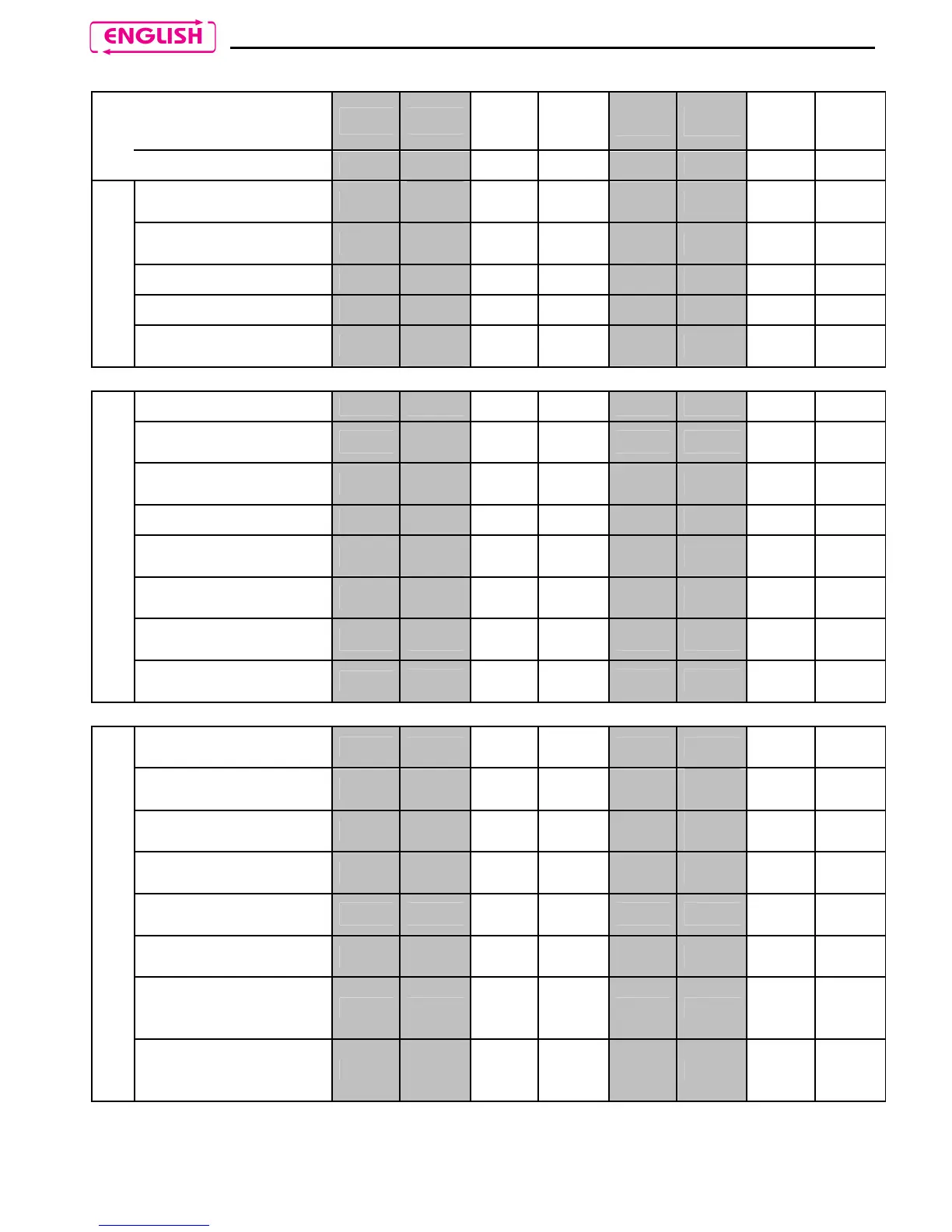
16. SUMMARY TABLE OF CONTROLS
Button
on on
+ + - -
+
-
+
-
Pressure
Brief Long Brief Long Brief Long Brief Long
Turning on
X
(2s)
Turning off
X
(5s)
Increase Volume
X
Decrease Volume
X
Basic Functions
Scroll menu (Base,
Radio, A2DP)
X
(2s)
Answer phone call X X X
Voice call
X
(4s)
Hang up/reject a
phone call
X
(2s)
Redial last number
X
Mobile phone
connection
X
(4s)
Mobile phone
disconnection
X
(4s)
Call transfer
X
(4s)
Bluetooth peripheral
Activate Conference
Mode
X
Activate audio via
cable
X
(2s)
Deactivate audio via
cable
X
(2s)
Disconnect A2PD
device
X
(2s)
Play music (Play)
X
(2s)
Pause Function
(Pause)
X
(2s)
Next track
(Forward)
X
(4s)
Activate N-Com
intercom or
Universal Intercom
X
Base Menu
Deactivate N-Com
intercom or
Universal Intercom
X

Table of Contents

Related product manuals