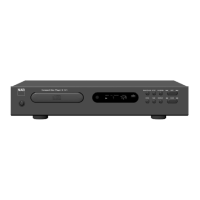
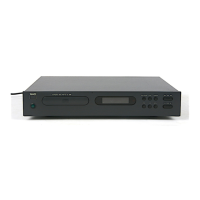
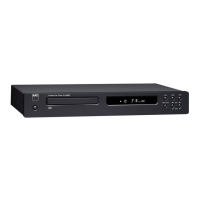
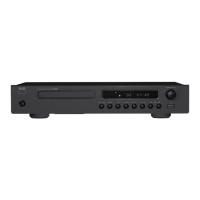
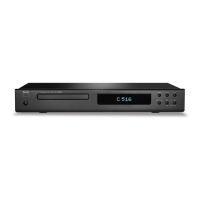
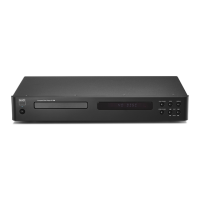
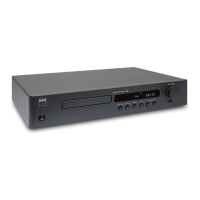
IDENTIFICATION OF CONTROLS
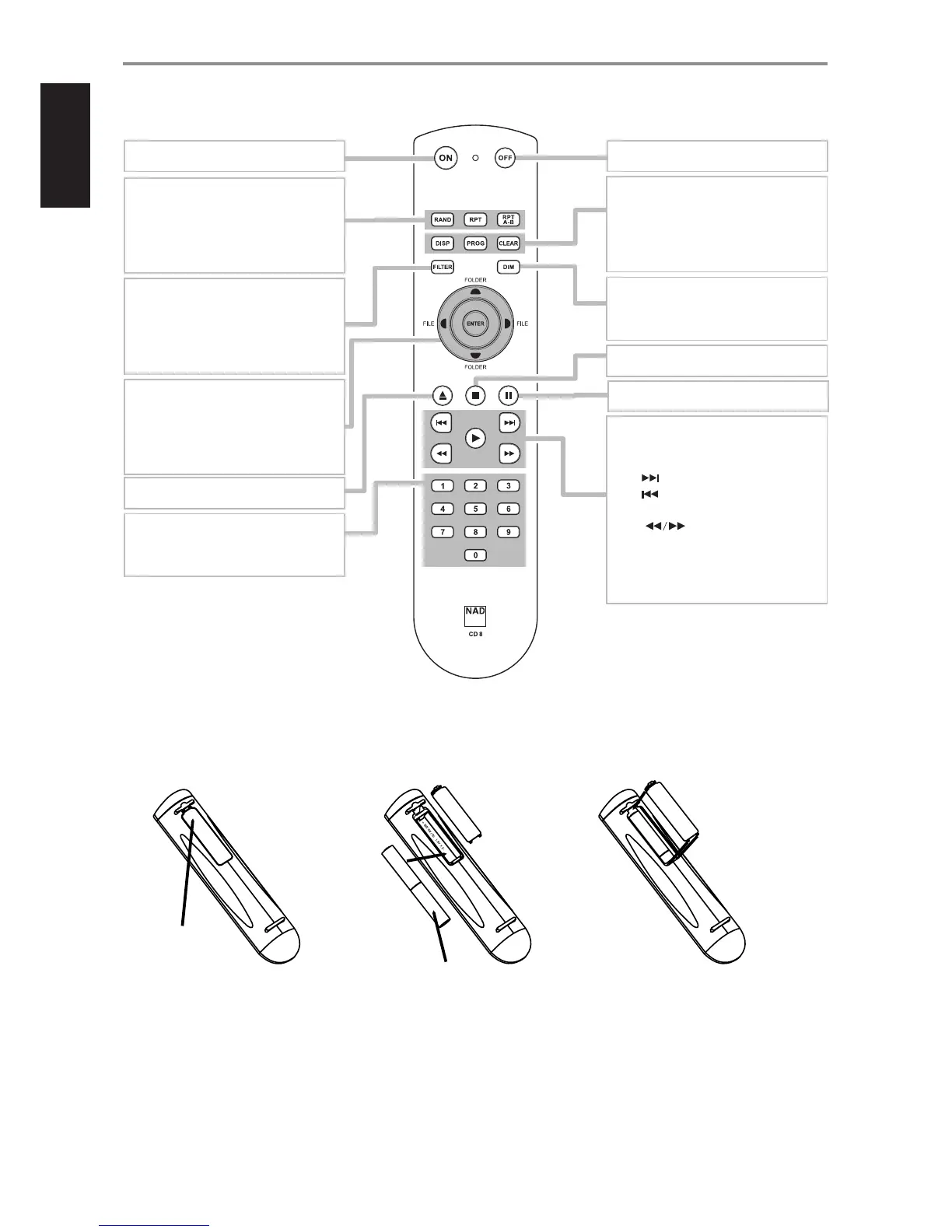
CD 8 REMOTE CONTROL
BATTERY ASSEMBLY
Press in and lift tab to remove battery cover out
of recess.
Press batteries into opening. Ensure correct
tting is observed.
Replace battery cover by aligning and inserting
the two tabs into the holes. Press battery cover
into place until it “clicks” closed.
ON: Switch ON C 545BEE.
RAND: Play tracks/les in random mode.
RPT: Repeat track, le or whole disc.
RPT A-B: Repeat sequence.
FOLDER: Select through folder lists.
FILE: Select through WMA/MP3 les.
ENTER: Select desired folder or WMA/MP3 le.
OPEN: Open or close disc tray.
PAUSE: Pause playback temporarily.
0 to 9 number buttons: Direct-entry of track
or le number.
OFF: Switch OFF C 545BEE.
DISP: Show playback time and other display
information.
PROG: Enter or exit program mode.
CLEAR: Delete programmed track/le.
DIM: Reduce, turn o or restore VFD
brightness.
FILTER: Switch between NORMAL and SLOW
bandwidth.
SKIP [ ] : Go to next track or le.
SKIP [ ] : Go to beginning of current track/
le or to previous track/le.
SCAN [ ] : Fast reverse/forward search.
PLAY: Start playback.
STOP: Stop playback.


 To Next Page