ENGLISH
IDENTIFICATION OF CONTROLS
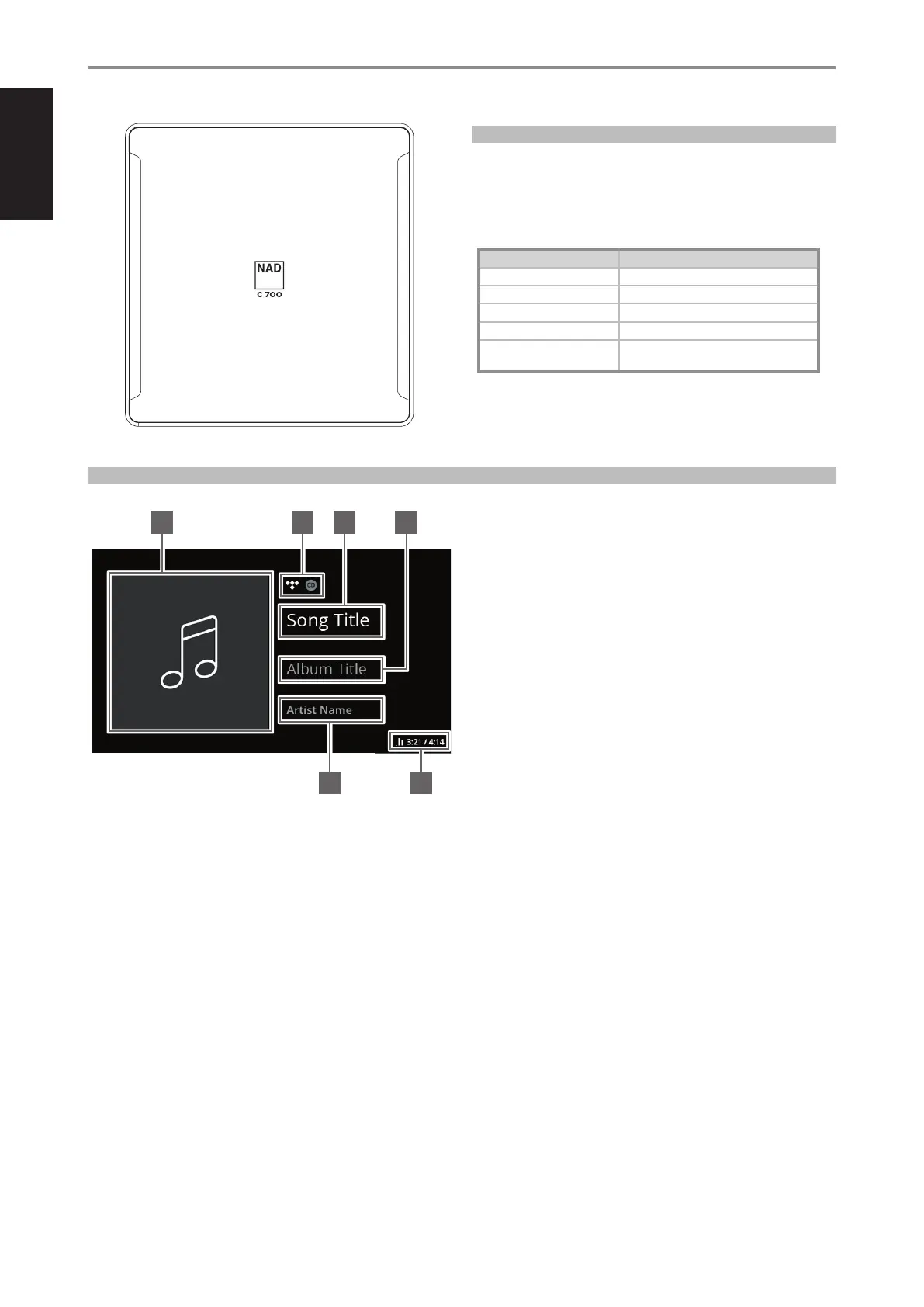
TOP AND FRONT VIEW
8
STATUS INDICATOR (NAD LOGO)
• This indicator will be amber when C 700 is in standby mode.
• When C 700 is powered up from standby mode, this indicator will
change from amber to solid white.
Table of the color blink codes of the NAD logo indicator and their
corresponding descriptions.
BLINK CODES DESCRIPTION
Flashing red Upgrade mode
Flashing red Powering up, rebooting, booting up
Solid red Cannot boot up; drive error
Solid white Indexing
Solid white Connected to network – ready to use with
BluOS App
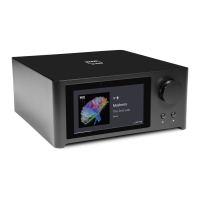
SAMPLE DISPLAY SCREEN
NOW PLAYING
1 Album art cover
2 Logo or icon for music service provider or media source
3 Information about Song title
4 Information about Album title
5 Information about Artist name
6 Playback indicator, current song’s elapsed playback time and total
playback time
1
65
2 3 4


 To Next Page