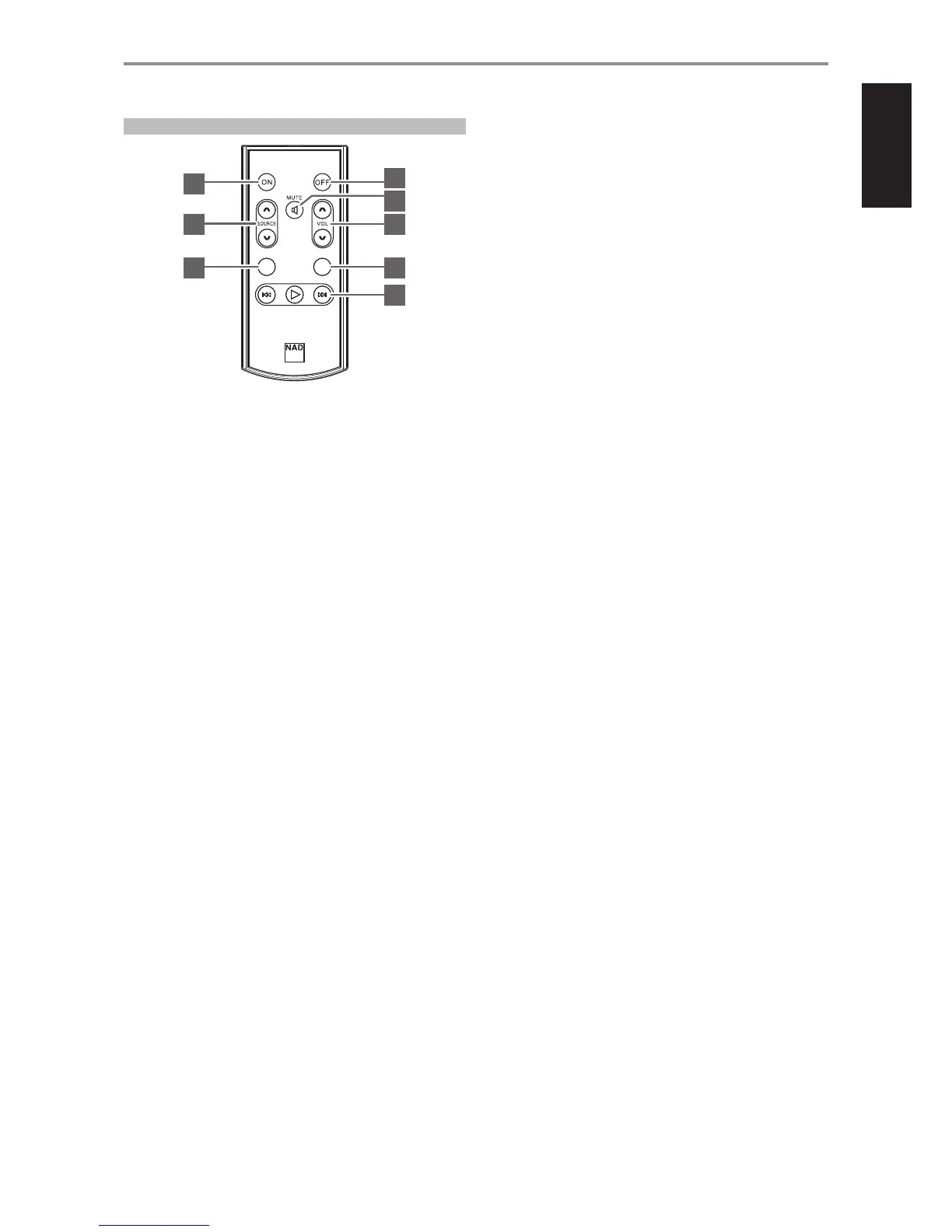
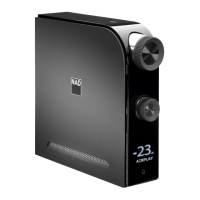
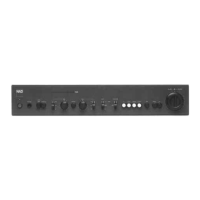
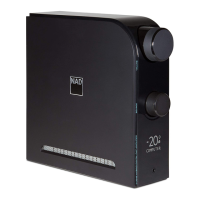
AMP 3 REMOTE CONTROL
1 ON: Power up unit from Standby mode to operating mode.
OFF: Switch unit to Standby mode.
2 SOURCE d/f: Select through source input selections.
3 DIM: Toggle to select display brightness level – dim, bright or display
turned o.
4 MUTE: Audio is temporarily switched o or restored. Restore audio by
pressing MUTE again, VOL d/f or rotating VOLUME knob.
5 VOLUME d/f: Increase or decrease loudness level.
6 BASS: Toggle to select BASS EQ, HP 120Hz, HP 80Hz or HP 40Hz.
• Bass EQ boosts overall bass response by at least 6 dB.
• HP 120Hz, HP 80Hz or HP 40Hz attenuates signal below the
indicated cuto frequency and allow higher frequencies to pass
through.
• Press and hold BASS button until BT ON (Bluetooth discoverable) or
BT OFF (Bluetooth invisible) is shown in the display.
7 BLUETOOTH CONTROLS (applicable at BT Receive or Transmit
mode)
4 : Press and hold [4] button to toggle between Bluetooth RECEIVE
and TRANSMIT modes.
9/0 : Use to select through connectable Bluetooth devices at
Bluetooth TRANSMIT mode.
IDENTIFICATION OF CONTROLS
7
AMP 3
BASSDI M
2 5
6
1
1
3
7
4


 To Next Page