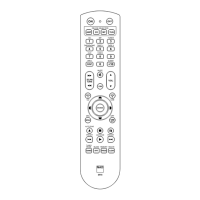
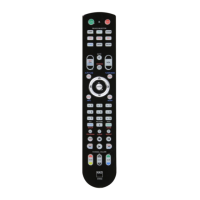
SUMMARy OF THE HTR 8
MODES
Mode
Keys To Press
(for 3 seconds)
Learn/Copy/Punch
Through
Device Key + RES Key
Delete Mode Device Key + RTN Key
Macro Record
MACRO Key + Function
Key
Library Mode
Device Key + A/V
PSET Key
Back Light
Timeout
DISP Key + Digit Key
Factory Reset See “Factory Reset” above
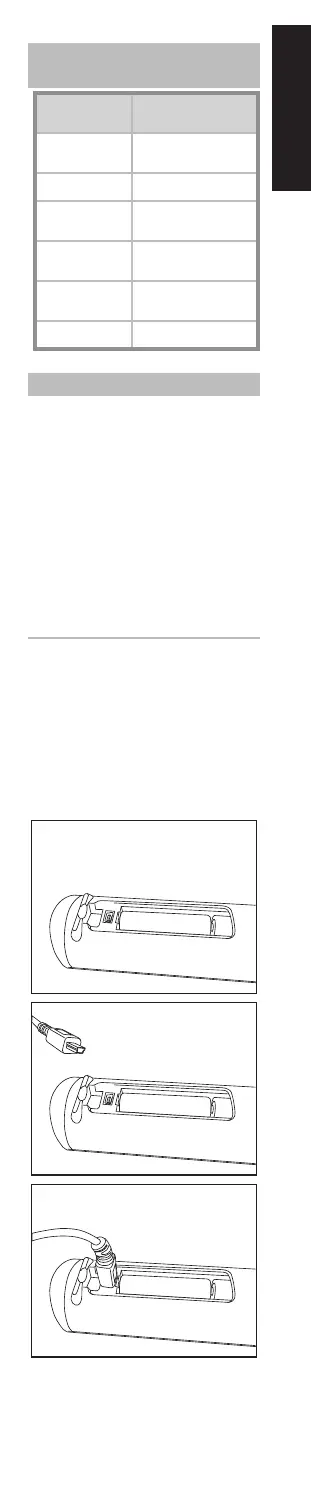
USb INTERFACE
The HTR 8 allows one to upload and
download the conguration through
a Windows
®
PC and NAD’s Proprietary
HTR 8 programming software. Use a USB
A male to mini USB B male 5-pin cable
(not supplied) between your Windows
®
PC and the HTR 8. See illustration below
on how to connect a USB A male to mini
USB B male 5-pin cable to the HTR 8.
Note
Please log onto www.
nadelectronics.com/HTR8 for
the latest HTR 8 interface control
software. Your custom installer or
dealer can assist you in the proper
setup and conguration of the mini
USB interface and software.
13
ENGLISHFRANÇAISESPAÑOLITALIANODEUTSCHNEDERLANDSSVENSKAРУССКИЙ
HTR8_eng_OM_v03.indd 13 20/01/2012 1:46am


 To Next Page