EasyManua.ls Logo

NAD S500 - User Manual

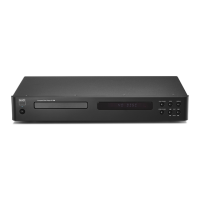
NAD S500
32 pages
Print Icon
To Next Page IconTo Next Page
Loading...
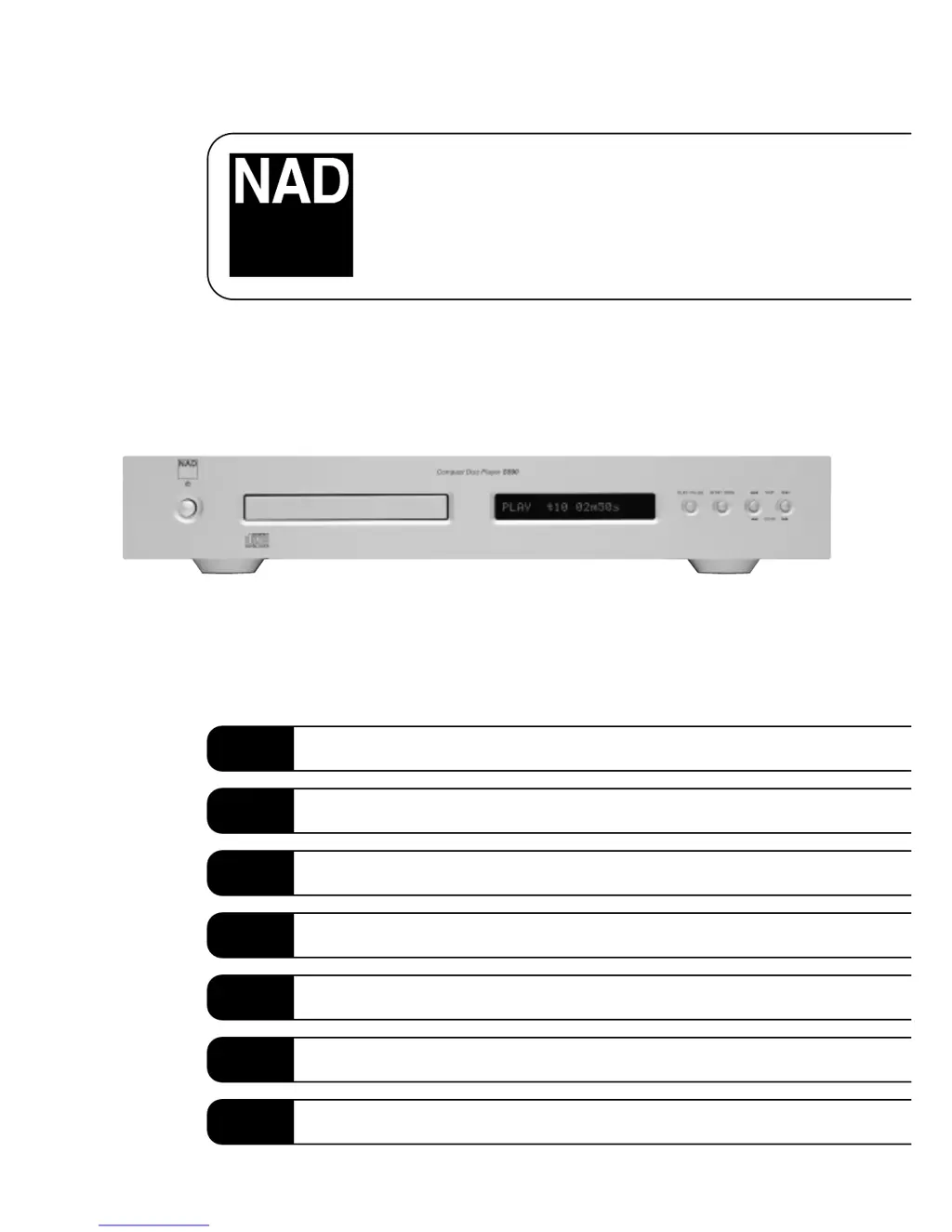
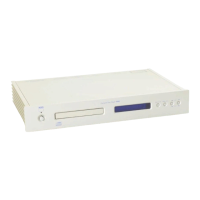
S500
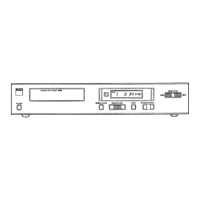
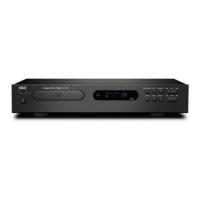
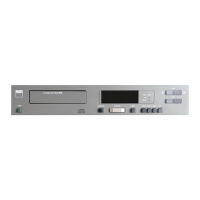
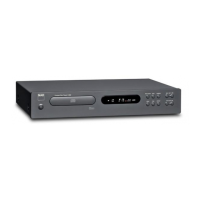
Compact Disc Player
Owner’s Manual
GB
Manuel d’Installation
F
Bedienungsanleitung
D
Manual del Usuario
E
Manuale delle Istruzioni
I
Manual do Proprietário
P
Bruksanvisning
S

Questions and Answers

  • C
    cruzwilliamJul 26, 2025
    What to do if NAD S500 CD Player remote control is not working?
    • R
      Richard MartinezJul 26, 2025
      If the remote control for your NAD CD Player isn't working, first check the batteries. Ensure they are not flat and are correctly inserted. If the batteries are fine, make sure there are no obstructions blocking the IR transmitter or receiver windows.
  • A
    ayerstiffanyJul 31, 2025
    What to do if NAD S500 CD Player disc play does not start?
    • C
      Christine BurgessJul 31, 2025
      If your NAD CD Player disc play does not start, it might be due to the disc being loaded upside down. Reload the disc with the label side UP. Also, the disc might be too dirty. Clean the disc.
  • D
    debbie03Aug 5, 2025
    How to fix NAD CD Player when there is no power?
    • L
      Larry HunterAug 5, 2025
      If your NAD CD Player has no power, ensure that the AC Mains cable is properly plugged in and that the power is switched on.
  • J
    jonathan40Aug 10, 2025
    Why is there no sound from my NAD CD Player?
    • N
      nathan30Aug 10, 2025
      If you are experiencing no sound from your NAD CD Player, verify that the audio cables are correctly connected to your amplifier or receiver. Also, ensure that the input selector on your amplifier or receiver is set correctly.
  • J
    Jennifer WoodwardAug 15, 2025
    Why does the sound skip on my NAD CD Player?
    • M
      Mr. Robert HenryAug 15, 2025
      If the sound skips on your NAD CD Player, the player might be subject to vibration or physical shock from external sources. Try changing the installation location. Also, the disc could be dirty, so try cleaning it.
  • J
    James McbrideAug 20, 2025
    How to stop NAD S500 from humming?
    • R
      Richard HaydenAug 20, 2025
      If a humming sound can be heard from your NAD CD Player, check the cable connections, particularly the phono connecting cable, to ensure they are not loose.

Summary

Important Safety Instructions

General Precautions and Warnings

Covers opening the unit, avoiding rain/moisture, electrical shock risks, and safe placement.

Installation and Environmental Safety

Guidelines for unit placement, ventilation, proximity to heat sources, and water.

Electrical Safety and Servicing

Covers power cord handling, cleaning, qualified servicing, and replacement parts.

Antenna Installation Safety

Instructions for indoor and outdoor antenna placement and grounding.

Rear Panel Connections

Front Panel Controls

Rear Panel Connections Detailed

Front Panel Controls Explained

Troubleshooting

No Power Issues

Solutions for when the player does not turn on.

Disc Playback Problems

Troubleshooting steps for discs not starting or skipping.

Audio and Remote Control Issues

Resolving no sound, humming, or remote control malfunctions.

NAD S500 Specifications

General IconGeneral
Disc FormatsCD, CD-R
Digital OutputCoaxial, Optical
DAC20-bit
Output Voltage2V RMS
Power Consumption20 W
Dimensions435 x 100 x 285 mm
Signal to Noise Ratio>100dB (A-weighted)

Related product manuals