GB
7
TROUBLESHOOTING
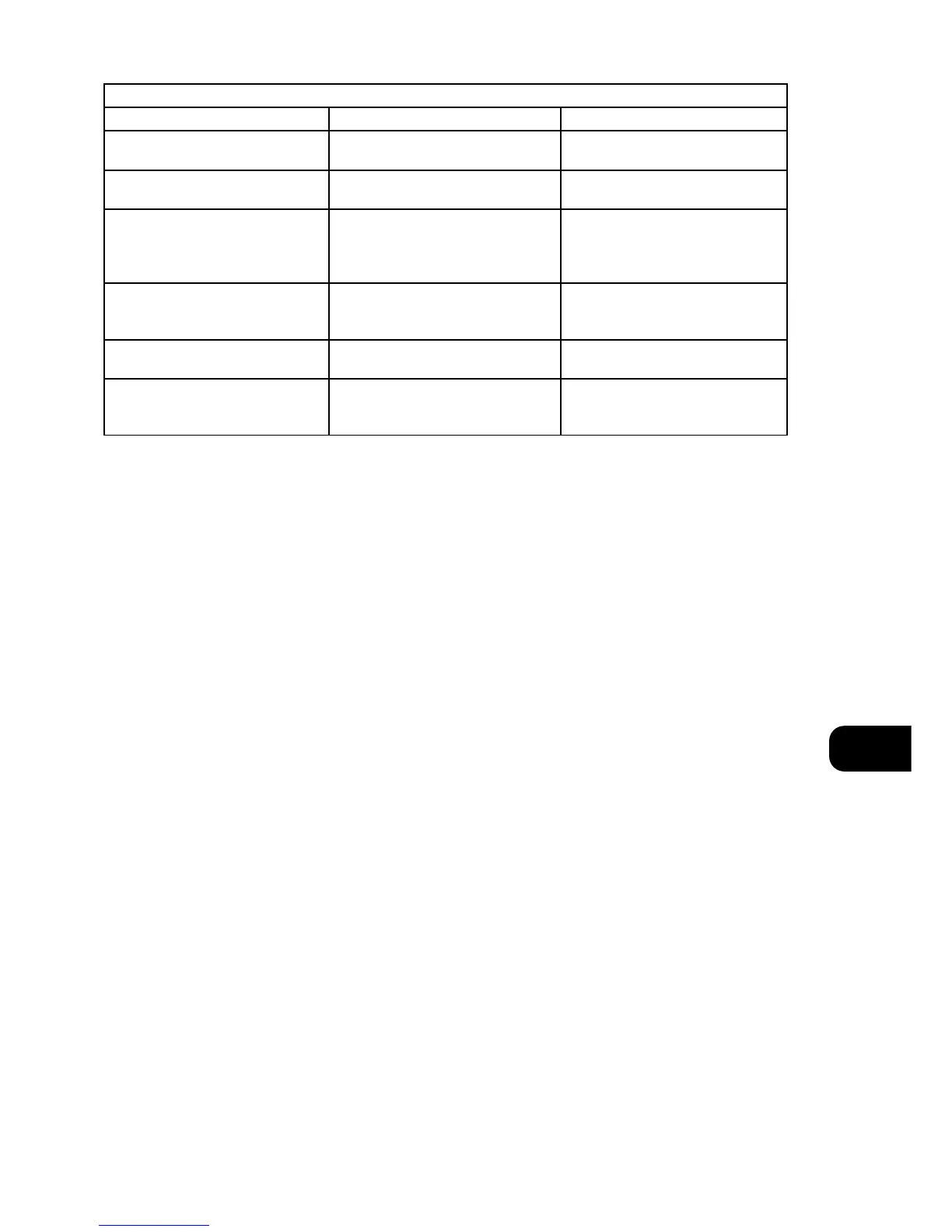
NO POWER • Power Mains cable unplugged or power
not switched on
• Check if AC Mains cable is plugged in and
power switched on
Problem Cause Solution
DISC PLAY DOES NOT START • The disc is loaded upside down
• The disc is too dirty
• Reload the disc with the label side UP
• Clean the disc
NO SOUND • Incorrect audio cable connections
• Incorrect amplifier/receiver operation
• Connect the CD player to the amplifier/
receiver correctly
• Make sure that the input selector on your
amplifier or receiver is set correctly
A “HUMMING “SOUND CAN BE HEARD • Loose cable connections • Check the cable connections, particularly
the phono connecting cable
REMOTE CONTROL NOT WORKING • Batteries flat, or incorrectly inserted
• IR transmitter or receiver windows
obstructed
• Check or replace batteries.
• Remove obstruction
SOUND SKIPS • The CD player is subject to vibration or
physical shock from external sources
• Disc is dirty
• Change the installation location
• Clean the disc


 To Next Page