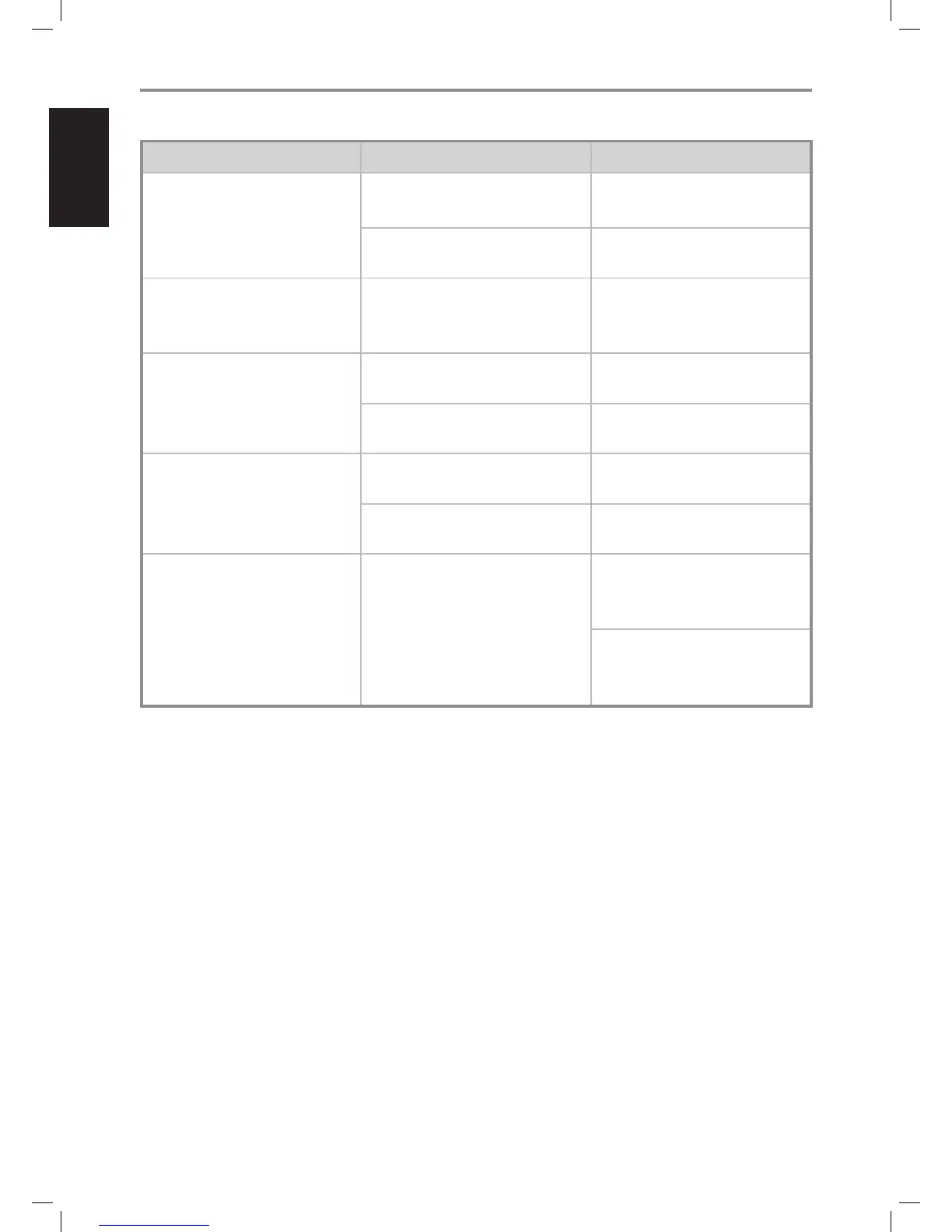
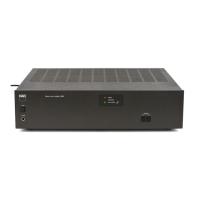
CONDITION POSSIBLE CAUSES POSSIBLE SOLUTIONS
No power. • Mains power cord unplugged from mains
power source or from T 977’s AC mains input.
• Connect the mains power cord to T 977’s
AC mains input and then plug into a mains
power source.
• T 977 at standby mode. • Press Standby button to switch ON the T 977
from standby mode.
T 977 always at standby mode; cannot
be switched ON using the front panel
STANDBY button.
• A mono plug is plugged-in at the +12V TRIGGER
IN port of the rear panel.
• Unplug the mono plug.
No sound. • No input signal applied through the INPUT
sockets.
• Check that there is active input signal applied
through the INPUT sockets.
• INPUT LEVEL CONTROL set to minimum level. • Turn up INPUT LEVEL CONTROL to the correct
level.
No sound one channel. • Speaker not properly connected or damaged. • Check connections and speakers.
• Input lead disconnected or damaged. • Check leads and connections.
One or more Channel Status LEDs remained
illuminated in red.
• Protection circuit is engaged. • Check if all speaker wires are connected
correctly and that none of the wires are
damaged, causing a short circuit.
• Make sure there is adequate ventilation
around the amplier and that none of its
ventilation slots, top or bottom are blocked.
REFERENCE
TROUBLESHOOTING
8
ENGLISH FRANÇAIS ESPAÑOL ITALIANO DEUTSCH NEDERLANDS SVENSKA РУССКИЙ
T977_eng_OM_v04.indd 8 17/04/2012 9:28am


 To Next Page