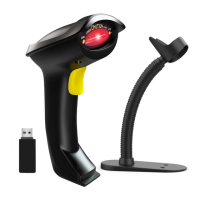
Step 5. Test the scanner using notepad, put cursor to the blank, scan
a barcode to see if it can be uploaded.
Note 1:
Once the pairing is complete, the keyboard of your device
will disappear.
** To show or hide iOS keyboard.
Method 1: S
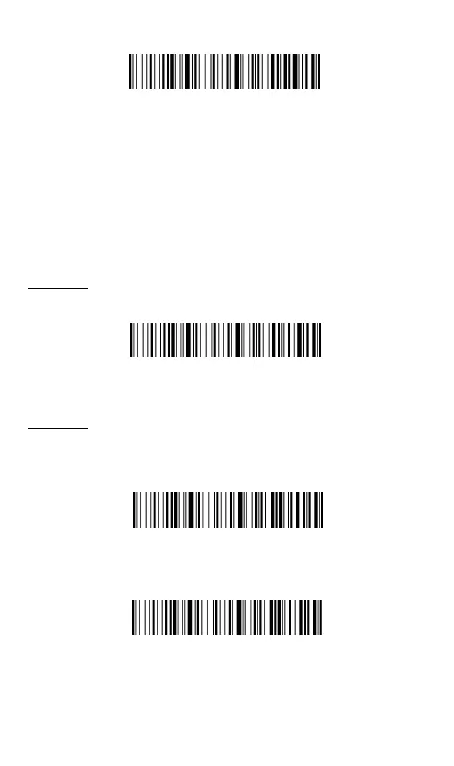
can the following code, it will activate the soft keypad;
scan the code again, the soft keypad will be hidden.
Method 2:
Double click button quickly, it will active the soft keypad.
Double click button quickly again, the soft keypad will be hidden.You
can also set up the scanner to disable or enable double click function.
Double Click Show/Hide iOS keyboard-On *
Double Click Show/Hide iOS keyboard-Off


 To Next Page
 Loading...