55
EN
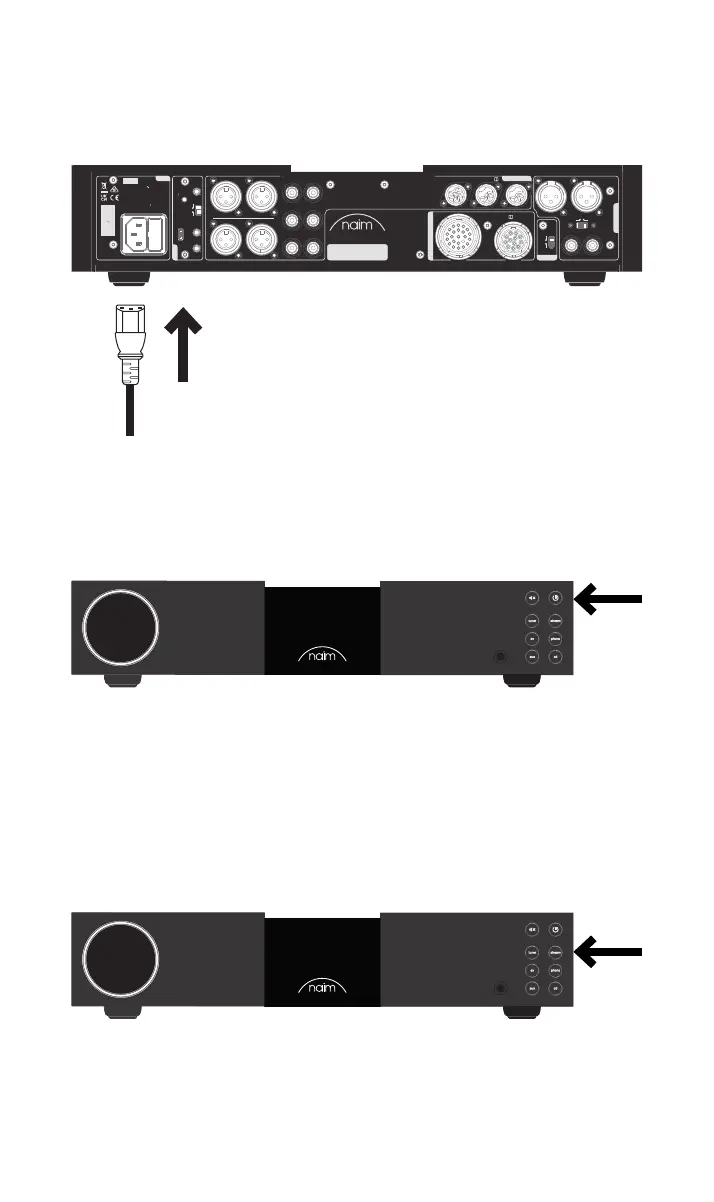
Connect the power cable to the NAC 332’s power socket and then to mains power.
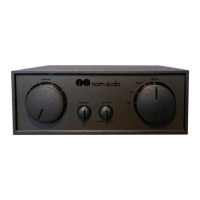
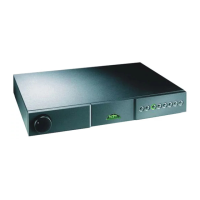
Switch on your NAC 332 by pressing the standby button on the top right side of the front
panel.
3.4 Pairing the remote control
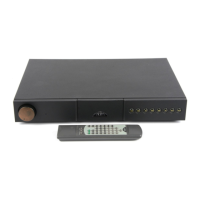
Once your NAC 332 is switched on, you will need to pair the remote control.
Insert the provided batteries into the remote control handset.
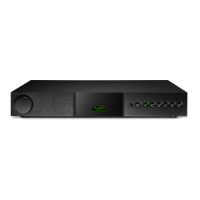
Pressing any of the front panel input buttons (except standby) will enable remote pairing
mode for 30 seconds.
WARNING: Disconnect power before opening
AC ONLY
FUSE RATING: ANTISURGE
1 0-120 V:1 T4AL
2 0-240 V:2 T2AL
FREQUENCY: 0 60Hz5 /
I 70VANPUT POWER:
Power
300 SERIES
PREAMPLIFIER
NAC 332
DESIGNED AND MADE IN THE UK
BY NAIM AUDIO, SALISBURY, SP1 2LN
/ .oNS
Ground
Power Supply Up grade
Preamp Output s
Analogue Inputs
Ground
Default
R L
R
L
RCA
XLR
Refer to User Manual
Type 3
Type 4
Remote
in
Remote
out
Auto
standby
Instant
on
1
2
Control
USB
update
Brightness
Reset/
On
RCA
output
O
3
4
6
Analogue Inputs
R
R
R
L
L
L
5
8
7
1
2
R
L
R
L
Contains FCC ID: 2ACURZIGEE IC ID: 12217A-ZIGEE
Refer to User Manual
Press and hold the brightness button on the remote control handset for 3 seconds.



 To Next Page