66
EN
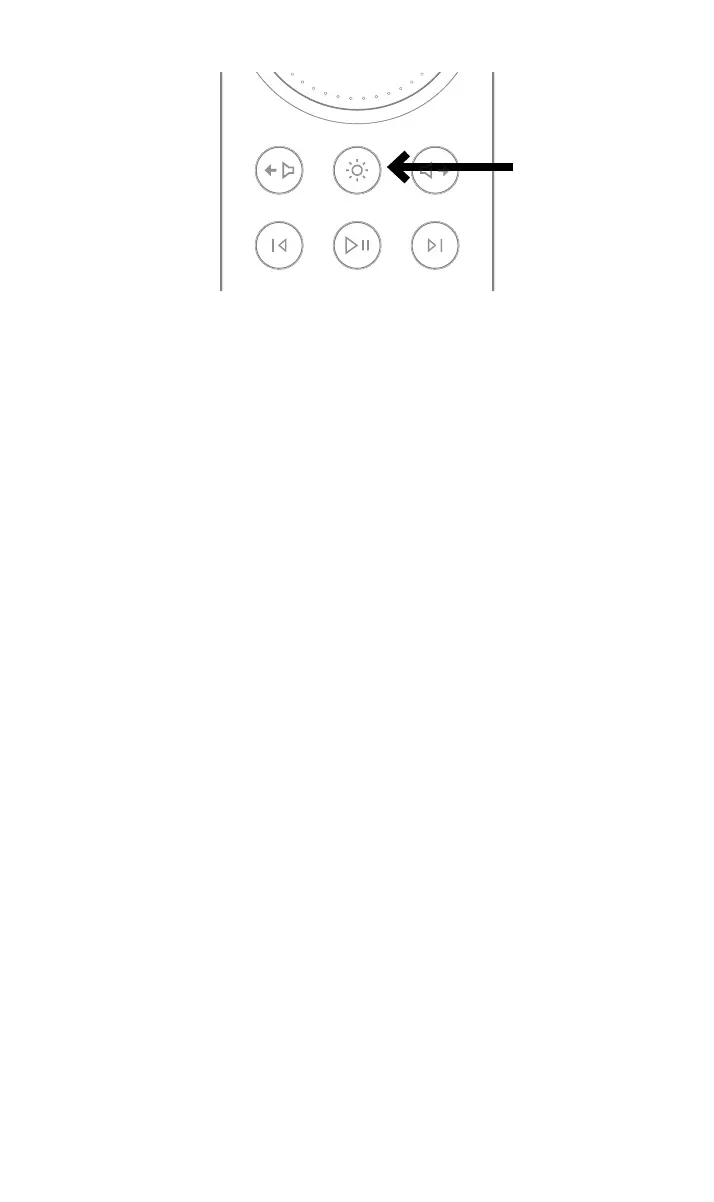
The volume ring on the remote will chase when in pairing mode and then stop at the
current volume setting when paired.
The remote is now paired to the unit and ready to use.
4. NAC 332 detailed setup
4.1 Using Naim power ampilers without balanced inputs
If an older Naim power amplier is being used a set of appropriately wired cables will be
required.
If the RCA unbalanced outputs are to be used (for example to connect a sub woofer) the
rear panel “RCA output” switch should be set to the “On” position.
4.2 Input re-assignment
Any combination of six of the eight physical inputs can be directly selected from the front
panel or remote control buttons. A setup mode is used to change the assignment of the
physical inputs to the buttons.
To enter setup mode press the front panel button of the rst input to be adjusted until the
button starts to ash.
The volume knob leds show segments indicating the possible input assignment, with the
currently selected input shown by brighter LEDs.
While in setup mode the selected source shown by the volume knob LEDs will be heard
playing.
Turning the volume knob changes the input assigned to the ashing input.
While in setup mode press any other source button to adjust the assignment for that input.
To exit setup mode press the ashing input button until it stops ashing.
The mute button continues to work as normal while in setup mode.
4.3 Input trim adjustment
The relative level of each input can be adjusted over a range of -10dB to +10dB to equalise
the volume level between sources.
This is adjusted while in setup mode, so rst press the input button to be adjusted until the
button ashes.
A second press of the button will change to trim setting mode. The LEDs on the volume
control will indicate the current trim setting.



 To Next Page