7
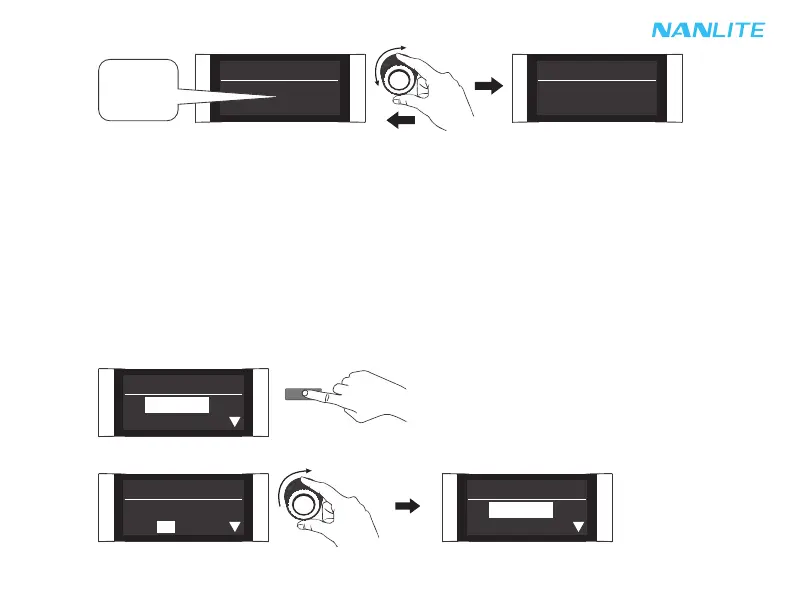
Press the MODE button to EFFECT mode.
Rotate the "right knob" to FX.
3. EFFECT Mode setting
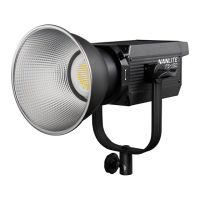
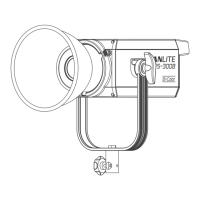
Press the MODE button to EFFECT mode. The FS-150B/200B/300B have built-in effects including CCT LOOP,
INT LOOP, FLASH, PULSE, STORM, TV, PAPARAZZI, CANDLE/FIRE, BAD BULB, FIREWORK, EXPLOSION
and WELDING.
Note: 1. In effect mode, DIM range is the same as the CCT MODE.
2. In effect mode, the color temperature is not synchronized with the color temperature in CCT mode, and the
CCT adjustment range is the same as that in the CCT mode.
3. When the fixture function is unlocked, in any modes, press the "left knob" to turn off the light, the brightness
percentage on the screen is 000% in this case. Press again to restore the light to its previous state, and
press continuously to switch between on and off.
MODE
EFFECT CH: 512
DIM: 100%
FX: CCT LOOP
Rotate the "right knob" to set the color temperature.
CCT CH: 512
000% 2700K
CCT CH: 512
100% 6500K
2700K
.
.
.
6500K
EFFECT CH: 512
DIM: 100%
FX: CCT LOOP
EFFECT CH: 512
DIM: 100%
FX: CCT LOOP


 To Next Page