EasyManua.ls Logo

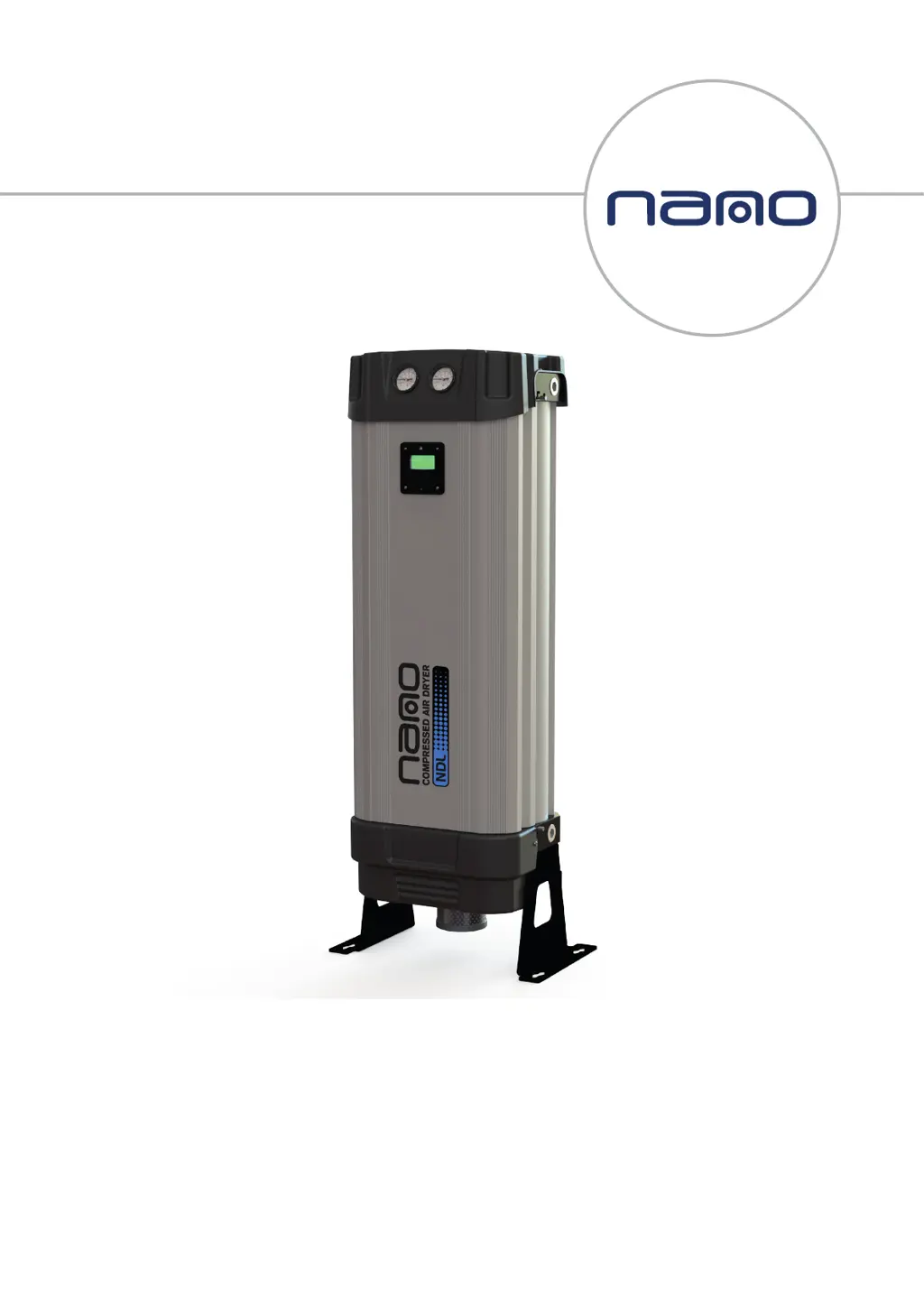
NANO NDL-110 - User Manual

Default Icon
24 pages
Print Icon
To Next Page IconTo Next Page
Loading...
User guide
heatless desiccant air dryer
revision: 2022-116 document: 17-100-0120
© 2022 Air & Gas Solutions LLC.
www.n-psi.co.uk

Other manuals for NANO NDL-110

Questions and Answers

  • H
    hcolemanAug 9, 2025
    What to do if my NANO Dehumidifier is not cycling?
    • D
      dloganAug 9, 2025
      If your NANO Dehumidifier isn't cycling, first ensure the controller is powered and check the on-screen column status to confirm it's powering the solenoid valves during normal operation. Also, check the power to the unit and the fuse (T2A 250V) located at Fig 8.A. Insufficient inlet pressure could also be the culprit; ensure it's at least 4 barg and adjust the inlet pressure settings if needed. A failure to de-pressurize during cycling could indicate a solenoid valve malfunction. If the coil has power, replace the valve. A working valve should produce an audible click when energized. Finally, check the inlet air supply if the outlet flow stops.
  • P
    Pamela DuranAug 19, 2025
    Why does my NANO NDL-110 have poor dew point performance?
    • M
      Mark SinghAug 19, 2025
      If your NANO Dehumidifier shows poor dew point performance, start by checking the inlet pressure; it should be a minimum of 4 barg. Adjust the inlet pressure settings if necessary. Ensure the power is on, the dryer front panel is illuminated, and the dryer is cycling correctly. If the desiccant is moist or contaminated, identify and eliminate the source of contamination and replace the cartridges, avoiding reuse. Confirm that the dryer's performance matches the required system air consumption. Verify the inlet air temperature against the technical specifications. Insufficient purge air can also cause this issue; consult service personnel to adjust the settings, as they are factory pre-set. Lastly, a blocked exhaust silencer may be the cause, requiring assistance from service personnel.
  • K
    Katelyn WilliamsAug 29, 2025
    What to do if my NANO Dehumidifier has constant depressurization?
    • J
      Jake CampbellAug 29, 2025
      If your NANO Dehumidifier is constantly depressurizing, try switching it off and restarting it. Make sure the dryer is pressurized before powering it on to allow it to initialize before starting operation. Erratic airflow from the exhaust may indicate a faulty or damaged valve, requiring service.

Summary

General Information

General Safety Precautions

Emphasizes no modifications, compliance with regulations, and authorized personnel use.

Technical Specifications and Product Overview

Operation and Controls

Operating the Dryer

Details steps and warnings for operating the dryer, including grounding and indicators.

Shutdown Procedure

Outlines steps for safely shutting down and depressurizing the dryer.

Performance Monitoring and Adjustment

Adjusting Dewpoint Settings

Instructions on how to adjust ES set-point and dewpoint alarm settings via the control panel.

Maintenance and Troubleshooting

Maintenance Operations

Guidelines for conducting maintenance safely after system shutdown and depressurization.

Troubleshooting Guide

Poor Dew-Point Performance Issues

Lists causes and solutions for poor dew-point readings, like low pressure or contamination.

Dryer Cycling and Operation Failures

Describes issues like controller faults, low pressure, or solenoid valve problems.

NANO NDL-110 Specifications

General IconGeneral
BrandNANO
ModelNDL-110
CategoryDehumidifier
LanguageEnglish

Related product manuals