
 Need help?
Do you have a question about the NAPCO GEMINI GEMC-255 and is the answer not in the manual?
Provides general information regarding firmware and software versions for manual applicability.
Explains locked/unlocked accounts and their implications for Fire programming.
Details how to handle discrepancies between account and panel programming during downloads.
Covers UL 864 error checks, 'Error Check Required' keypad trouble, and their resolution.
Explains the 30-minute download window and PC Preset support functionality.
Covers default panel programming and essential central station reporting setup requirements.
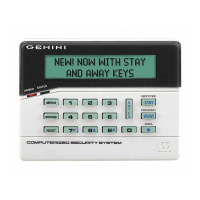
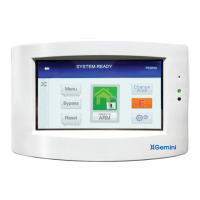
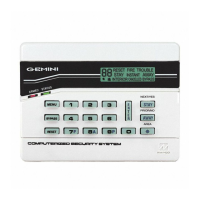
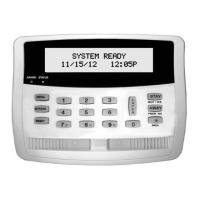
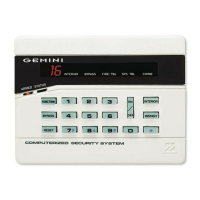
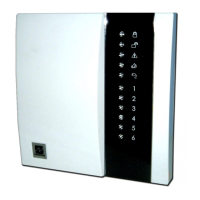
Describes how to use the GEMC-FK1 keypad for alarms, troubles, and silencing.
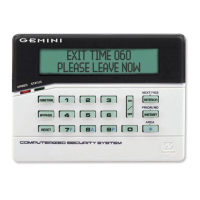
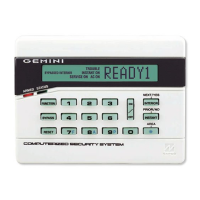
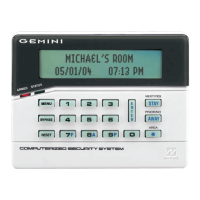
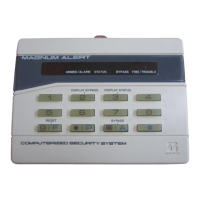
Outlines the function menu options available on the GEMC-BK1 keypad for burglary systems.
Details how to configure GEMC-FK1 and GEMC-BK1 keypads for address and beep settings.
Explains different types of codes and their access levels for system control and programming.
Describes the Ambush Code for silent emergency signaling during disarming.
Preferred method using PCD-Windows Quickloader for panel programming.
Step-by-step programming using the keypad's menu system for basic setup.
Advanced manual entry of programming data by address for detailed customization.
How to view and manage zone/output status via the Fire keypad's function menu.
Procedures for changing Fire User Codes using the keypad's function menu.
Managing SLC devices and remote reporting settings via the Fire keypad.
Steps to access dealer program mode and create custom default configurations for new panels.
Setting up zone counts, reporting, and zone types via the Easy Menu.
Programming central station phone numbers, account details, and receiver formats.
Setting up user codes, options, and authority for system access and operation.
Mapping wireless transmitters and configuring SLC devices for system integration.
Assigning keyfobs to zones and entering descriptive text for zones.
Explains Binary, Decimal, and Hexadecimal data entry formats for manual programming.
Illustrates programming with examples and outlines manual conventions for using the mode.
Setting various system delays like entry, exit, chime, and sensor watch timeouts.
Configuring receiver formats, options, and zone reporting codes for central stations.
Setting up reporting codes for user opening/closing events for different users.
 General
| Backlight | Yes |
|---|---|
| Voltage | 12VDC |
| Operating Temperature | 32°F to 120°F (0°C to 49°C) |
| Display | LCD |
| Compatibility | Gemini Series Control Panels |
| Power | 12V DC |



 To Next Page
