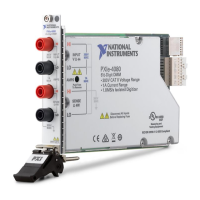
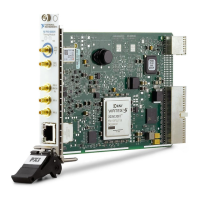
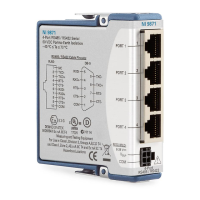
Figure 2. System Timing Device Slot Indicator Glyph on the PXIe-1062Q Chassis
Note The slot number printed on the glyph may vary from chassis to chassis.
3. Remove the filler panel for the PXI slot you located in step 2, if applicable.
4. Ground yourself using a grounding strap or by holding a grounded object. Follow the
ESD protection precautions described in the Unpacking section of the Introduction
section.
5. Remove any packing material from the front panel screws and backplane connectors.
6. Insert the PXIe-6672 into the PXI Express slot. Use the injector/ejector handle to fully
insert the module into the chassis.
7. Screw the front panel of the device to the front panel mounting rail of the chassis.
8. If adjacent slots are not populated, use EMC filler panels to cover the opening.
Caution
– To ensure the specified EMC performance, you must install PXI EMC
filler panels, National Instruments part number 778700-01, in all open
chassis slots.
– To ensure the specified EMC performance, operate this product only with
double-shielded cables and accessories (for example, RG-223 cables).
9. Visually verify the installation. Make sure the module is not touching other modules or
components and is fully inserted into the slot.
10. Plug in and power on the chassis.
The PXIe-6672 is now installed.
Configuring the Module
The PXIe-6672 is completely software configurable. The system software automatically
allocates all module resources.
The two LEDs on the front panel provide information about module status. The PXIe-6672
Front Panel on page 8 section describes the LEDs in greater detail.
Hardware Overview
This chapter presents an overview of the hardware functions of the PXIe-6672. Figure 3. on
page 7 provides a functional overview of the PXIe-6672 hardware.
6
| ni.com | PXIe-6672 User Manual


 To Next Page
 Loading...