EasyManua.ls Logo

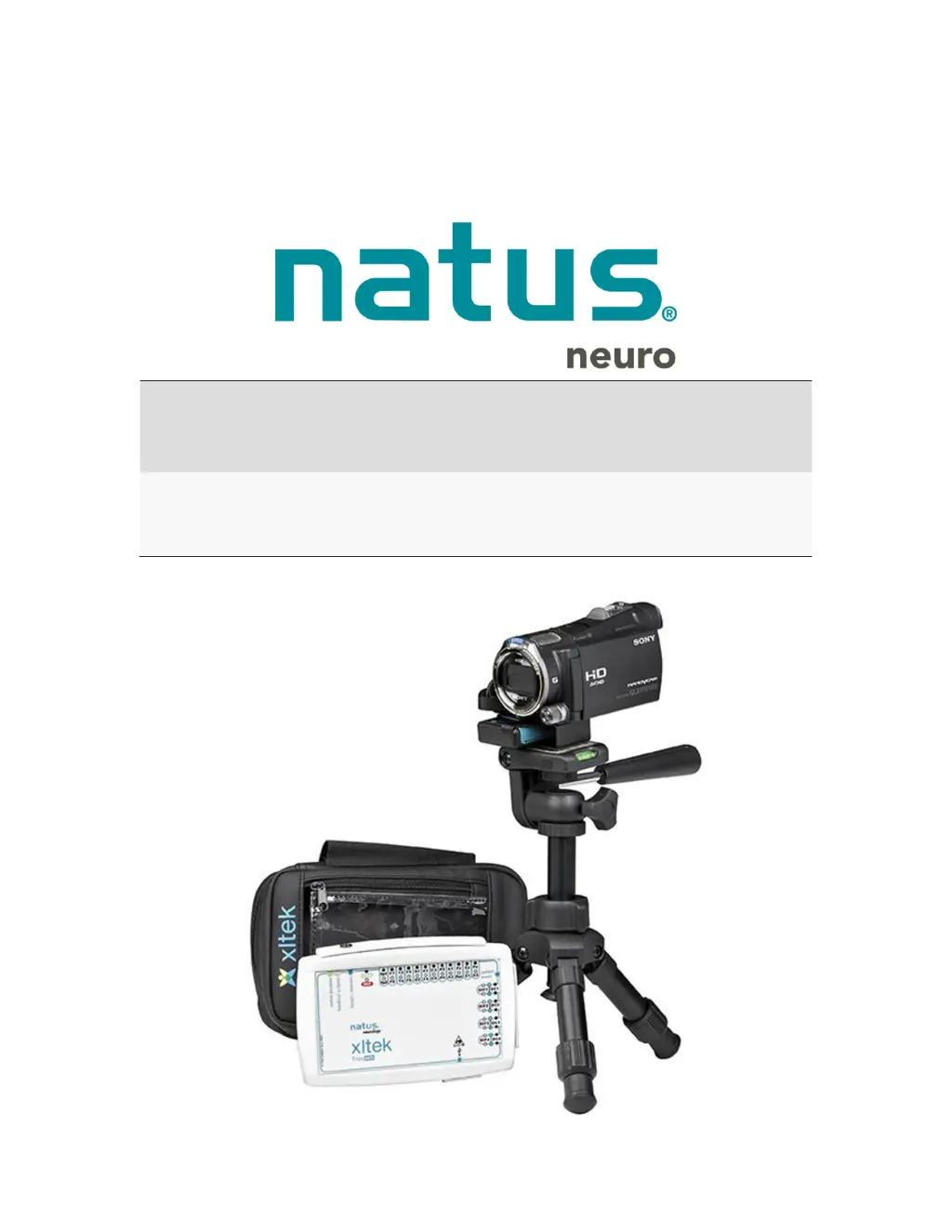
natus Xltek Trex HD - User Manual

natus Xltek Trex HD
68 pages
Print Icon
To Next Page IconTo Next Page
Loading...
Xltek
®
Trex HD
User & Service Manual

Table of Contents

Other manuals for natus Xltek Trex HD

Questions and Answers

  • K
    Kathy RomeroAug 12, 2025
    What to do if the natus Amplifier power on indicator is not lit?
    • F
      fitzgeraldjustinAug 12, 2025
      If the power on indicator is not lit, check that the AC power cord is connected to a wall outlet and to the power pack. Ensure all power supply connections are secure. You may also try switching to an alternate power source. The power supply itself may also be malfunctioning.
  • S
    scott74Aug 16, 2025
    Why natus Amplifier power pack becomes hot?
    • J
      Juan HarrisAug 16, 2025
      If the power pack becomes hot, it may be defective. Immediately disconnect the power pack from the power supply, replace it, and remove the defective power pack from further service.
  • K
    Kelly KellyAug 19, 2025
    What to do if natus Amplifier power pack will not go into charge mode?
    • C
      Christopher RayAug 19, 2025
      If the power pack won't go into charge mode, it might already be fully charged, requiring no action. Alternatively, the power pack may not be properly connected to the power supply; in this case, remove the power supply plug and reconnect it to the power pack connector. A defective power pack or a power pack that is too hot or cold can also cause this issue. If the power pack is too hot or cold, allow it to return to room temperature.
  • S
    stephanie30Aug 23, 2025
    What to do if natus Amplifier shows an error message (amber light flashing)?
    • J
      Joseph BrownAug 25, 2025
      If you see an error message (amber light flashing), it could be due to over discharge of the power pack, in which case you should leave the power pack connected to the power supply and allow it to recover. It could also indicate a charger fault condition; try disconnecting the power pack from the power supply and reconnecting it. Finally, a defective power pack can cause this error, and you would need to replace it.
  • L
    Luis SchneiderAug 27, 2025
    What to do if the natus Xltek Trex HD power pack becomes hot?
    • N
      nicholasbowmanAug 27, 2025
      If the power pack becomes hot, it may be defective. Immediately disconnect the power pack from the power supply, replace it, and remove it from further use.
  • H
    Heather MillerAug 31, 2025
    What to do if natus Xltek Trex HD Medical Equipment power pack will not go into charge mode?
    • J
      Jeremy GibsonAug 31, 2025
      There are several reasons why the power pack might not be charging: * The power pack may already be fully charged, in which case no action is needed. * The power pack might not be properly connected to the power supply. Try removing the power supply plug and reconnecting it to the power pack connector. * The power pack may be defective, requiring replacement. * The power pack may be too hot or cold. Allow the power pack to return to room temperature.
  • D
    Dylan JeffersonSep 4, 2025
    What to do if natus Xltek Trex HD shows an error message (amber light flashing)?
    • J
      Jasmin PetersSep 4, 2025
      An amber light flashing indicates an error. This could be due to: * Over discharge of power pack: Leave the power pack connected to the power supply and allow it to recover. * Charger Fault: Disconnect the power pack from the power supply and reconnect it. * Defective power pack: Replace the power pack.
  • T
    Tammy ChanSep 7, 2025
    How to fix if the natus Medical Equipment power on indicator is not lit?
    • C
      Chad WrightSep 7, 2025
      If the power indicator light is off, it could be due to: * The AC power cord is not connected to a wall outlet. Check all power supply connections and switch to an alternate power source. * Power cord is not connected to the power pack. * Power supply not functioning.

Summary

Introduction to Xltek Trex HD Amplifier

Intended Use of the Trex HD Amplifier

Defines the intended application and patient population for the EEG/PSG device.

Safety and Standards Conformity

Safety Standards and Normative References

Lists national and international standards for basic safety and essential performance.

Warnings and Cautions

General Warnings

Covers essential safety precautions for device operation and handling.

Electrical Warnings and Cautions

Details critical electrical safety precautions and hazards.

Patient Environment Warnings and Cautions

Specifies safety guidelines for device use near the patient.

Pulse Oximeter Warnings

Lists safety warnings specific to the integrated pulse oximeter.

Procedures and Warnings

XLTEK Trex HD Specifications

Technical Specifications Overview

Provides detailed technical parameters of the Trex HD amplifier and its components.

Setting Up

Getting Started and Initial Setup

Initial steps and considerations for setting up the Trex HD system.

Nonin Xpod Pulse Oximeter

Guaranteeing Sufficient Battery Power

Battery Power with AA Batteries

Details battery requirements for ambulatory recordings using AA batteries.

Battery Power with AA Batteries and Power Pack

Explains achieving extended recording with AA batteries and power pack.

External Power Pack

External Power Pack Warnings and Cautions

Provides safety warnings and cautions for using the external power pack.

Using and Charging the External Power Pack

Guides on connecting, using, and charging the external power pack.

How to Disable Channels and Set Frequency

Troubleshooting

Troubleshooting Checklist

A checklist of common problems and their solutions for the system.

Getting Help

Support and Contact Information

Steps to follow for obtaining technical support and assistance.

natus Xltek Trex HD Specifications

General IconGeneral
ManufacturerNatus Medical Incorporated
TypeEEG
Common Mode Rejection Ratio> 110 dB
Impedance CheckYes
Device TypeAmbulatory EEG System
Sampling RateUp to 2000 Hz per channel
Resolution24 bits
Noise< 1.0 µV RMS
High Pass Filter0.1 Hz
Notch Filter50 Hz or 60 Hz
ConnectivityUSB
Wireless CommunicationOptional
VideoOptional
Power SourceRechargeable battery
DesignPortable, lightweight

Related product manuals