47
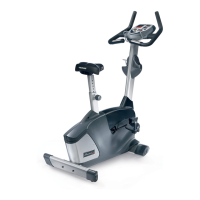
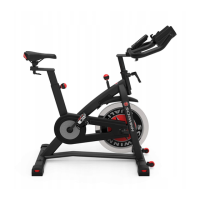
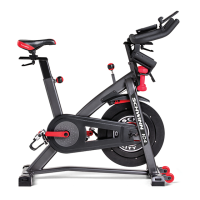
Note: Your machine may not match the image. For reference only.
1. Unplug the AC Adapter from the wall outlet and machine.
Keep the ywheel stable during this procedure. Do not turn
the crank arms. Flywheel movement can pull ngers in and
cause injury.
2. Using a athead screwdriver, remove the threaded Cap from the
Right Crank Arm.
3. Using a 16mm socket and wrench, remove the Crank Nut under the
threaded Cap.
4. Thread the Crank Puller into the Crank Arm (A). When the Crank
Puller is in the correct position, only 1-2 threads on the outer portion (CP2)
of the Crank Puller should show.
Note: Be sure the end of the Bolt (CP1) in the Crank Puller is ush
with the inner surface (CP2) as shown, before use.
NOTICE: At the end of this procedure, make sure that the Drive Belt tension is correct. Refer to the “Adjust the Belt Tension” procedure.
CP1 CP2 CP3
Cap
Crank Arm
Crank Nut



 To Next Page