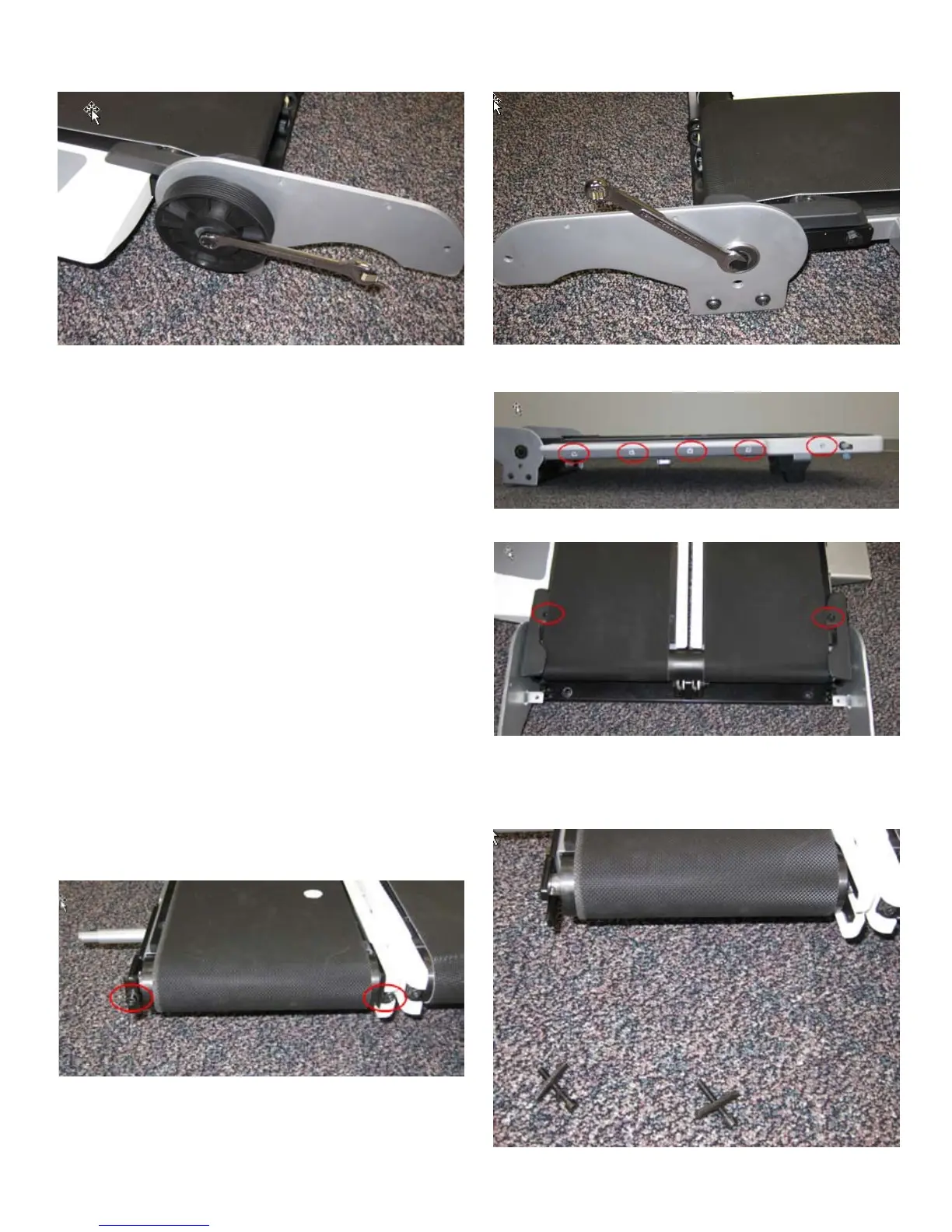
26
2. Remove the Drive Pulley using two 13 mm (1/2”) wrenches.
3. Remove the 5 indicated screws on both Side Step plastics using a #2 Phillips
screwdriver.
4. Remove the plastic Side Step by pulling it straight off of the Treadle.
5. Remove the 2 indicated screws from both sides using a #2 Phillips screwdriver
and remove the Belt Guides.
6. Remove the Belt Tensioning Screws and brackets using a 5 mm hex wrench.






 To Next Page