Page 6 Naxa Electronics
4.
The wall that the sound bar is mounted on
should be of sufficient strength to support
the weight of the sound bar.
At a Glance
Front View
1
Full-range drivers
2 Indicator Lights up to indicate the current source
mode.
3
IR Sensor
Speaker
Receives signals from the remote control.
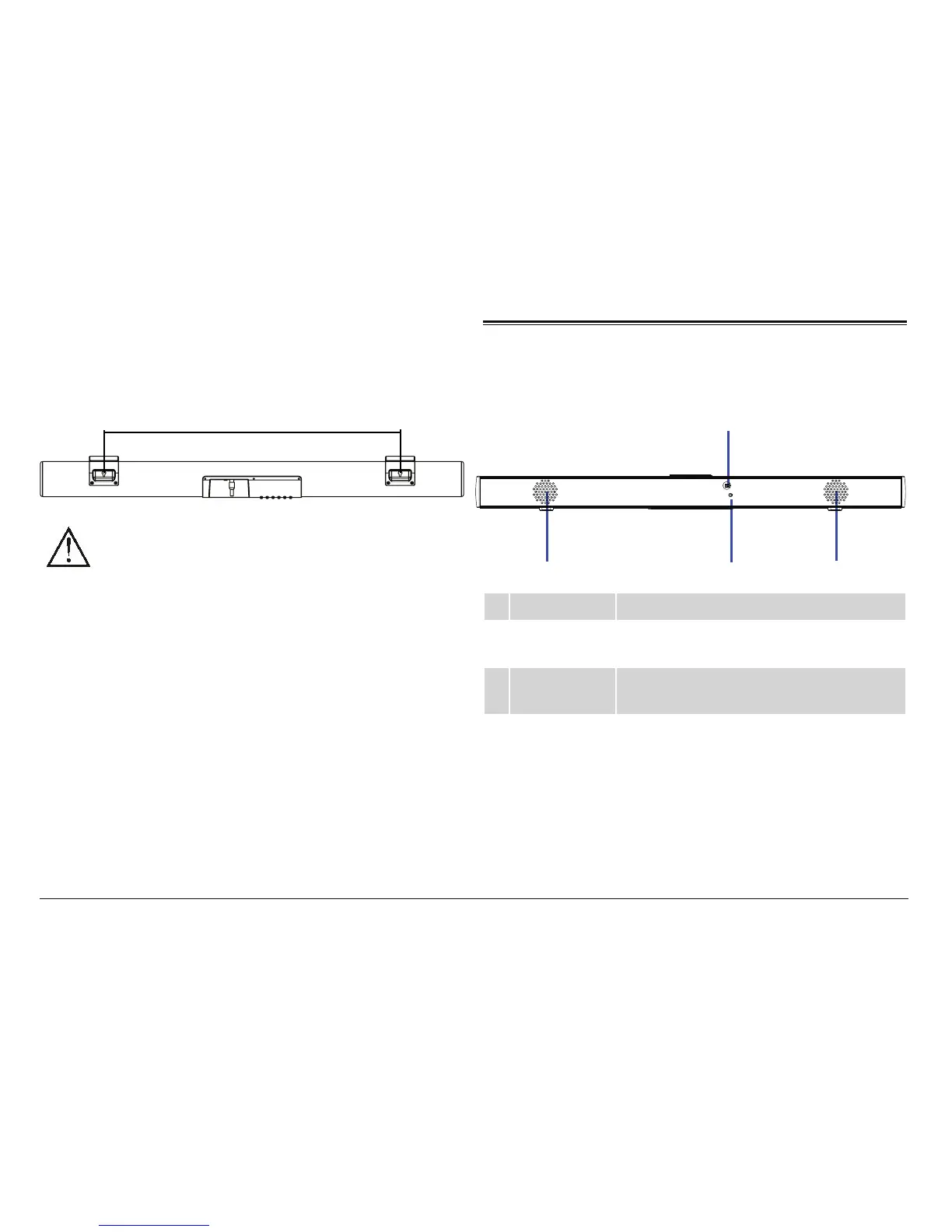
Make sure that the screws are stable and firmly at-
tached to the wall. Locate the mount points on the
rear of the sound bar, then hook the sound bar onto
the screws.
21.5 inches
(546 mm)
2. Indicator
1. Remote sensor
3. Speaker
3. Speaker


 To Next Page