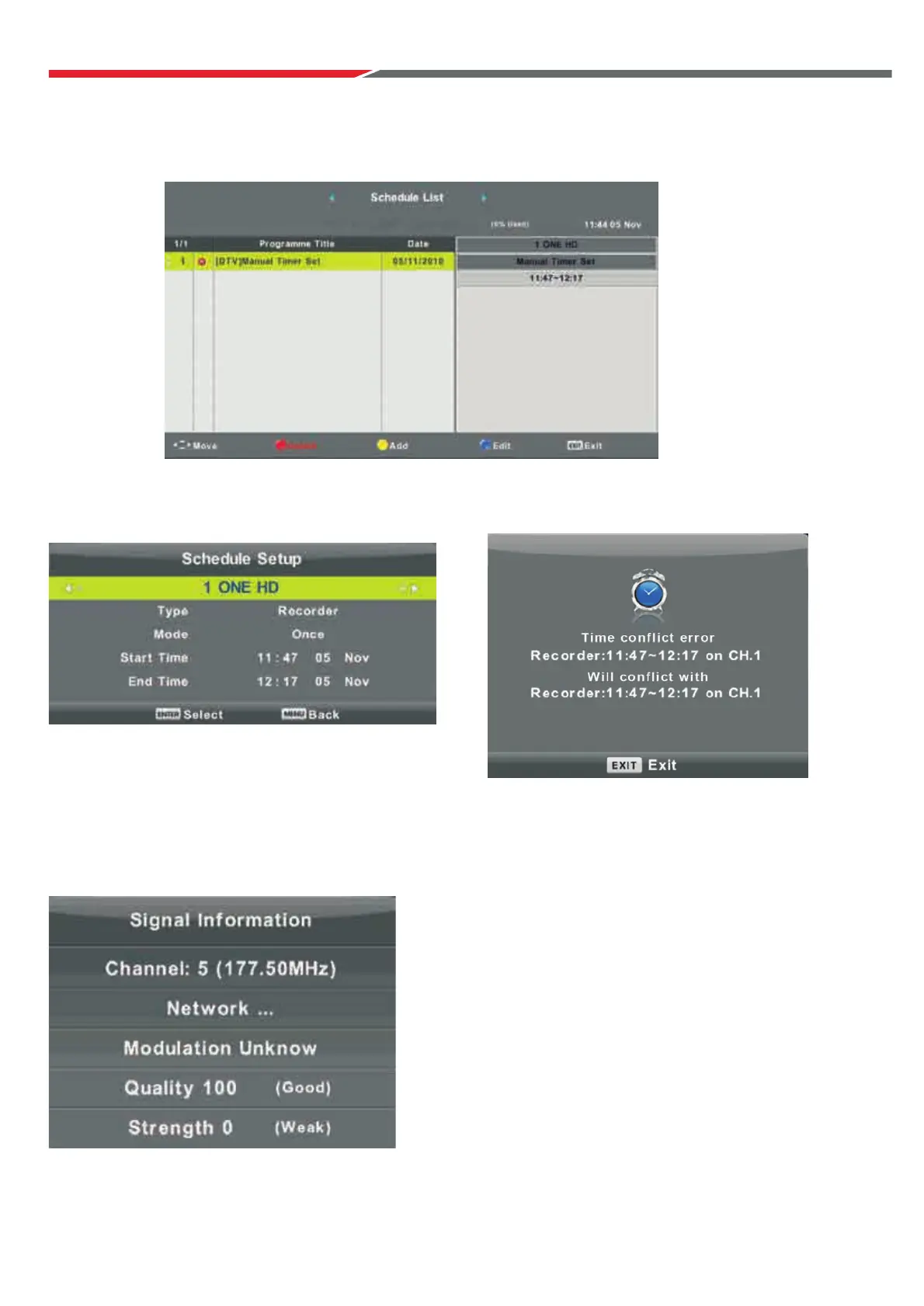
Schedule List
Press ▼ / ▲ button to select Schedule List, then press ENTER button to enter sub-menu.
NOTE: If a program conflicts with a scheduled program,
it will produce a warning message.
Signal Information
Press button to select Signal Information, press the ENTER button to see the detailed information
about the signal. Only available when there is signal reception in DTV.
Press the button to enter the
interface below.
YELLOW
▼ / ▲
Press button to select option.
▼ / ▲
Press to make and adjustment.
▼ / ▲
Press ENTER to confirm.
20



 To Next Page