Media OPERATION
Note: Before operating Media menu, Plug in USB device, then press SOURCE button.
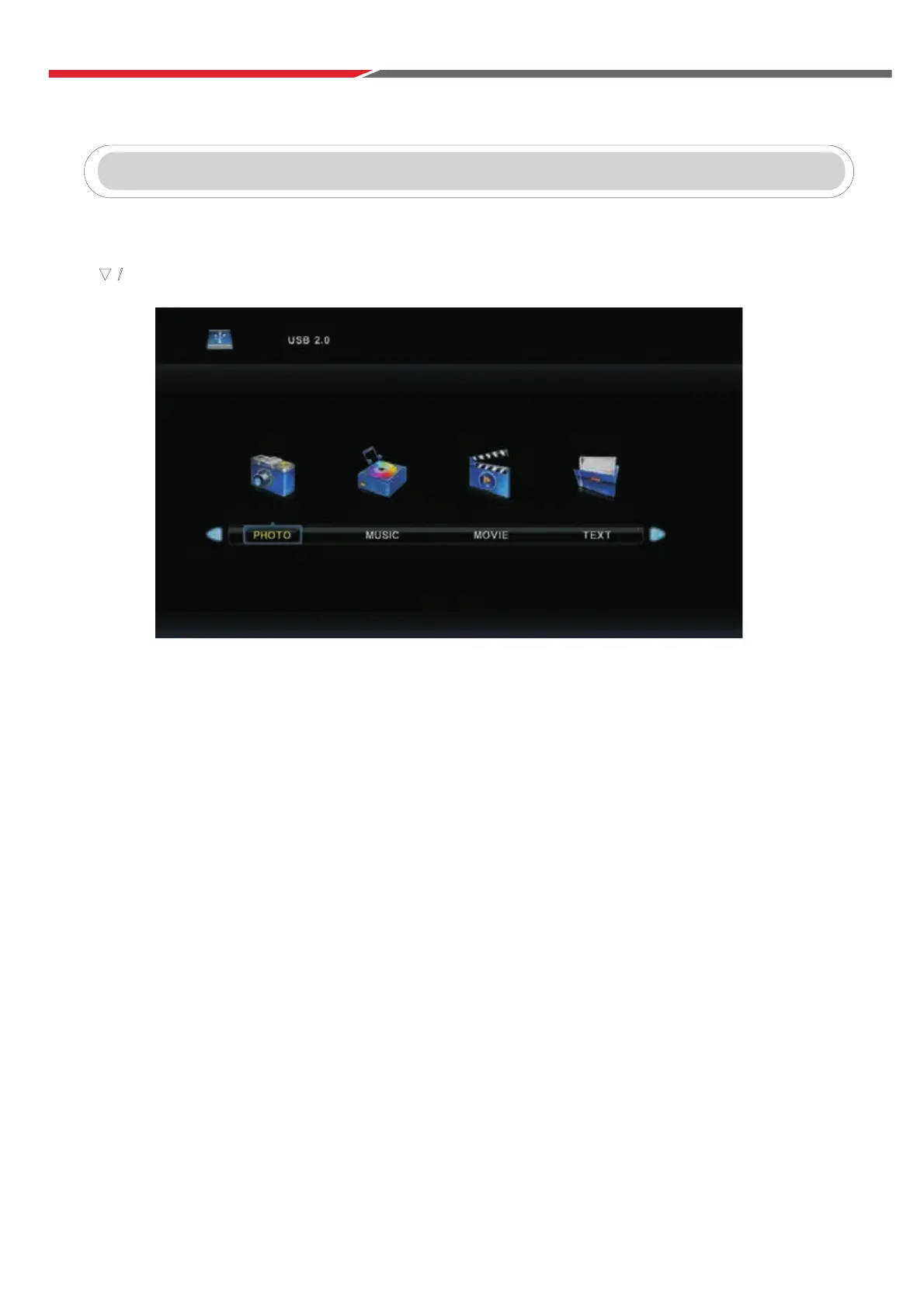
Press button to select Media in the Source menu, then press Enter button to enter.
Press ◄ / ► button to select the type of media you wish to view in the Media menu,
then press Enter button to enter.
Press ◄ / ► button to select C, then press Enter button to view the contents of the USB device.
▼ / ▲
35



 To Next Page