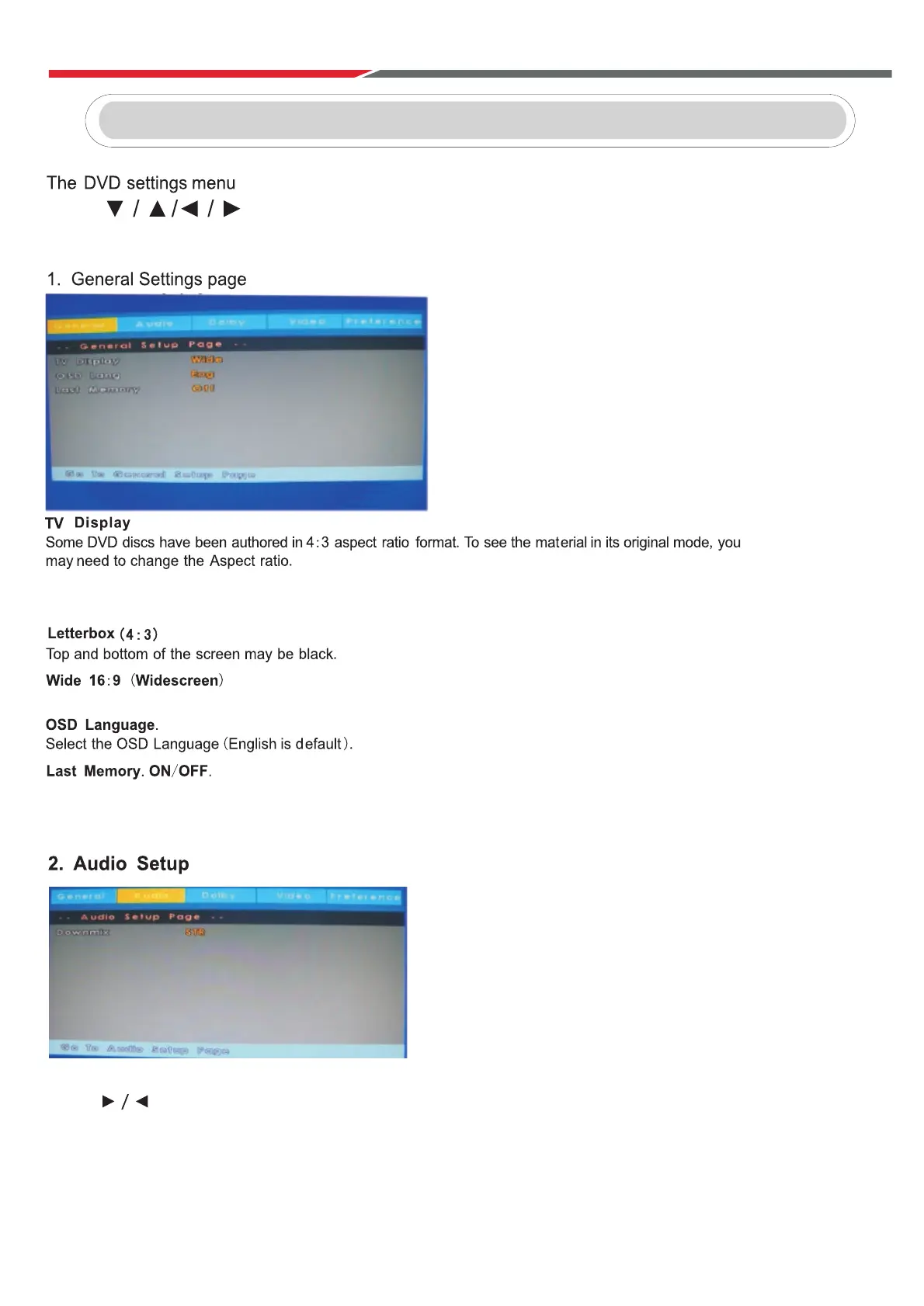
is accessed by pressing the D.Setup button.
Press to navigate the OSD Menu.
Press Enter to confirm the change.
Press D.Setup to leave the OSD Menu.
Pan & Scan (4:3)
The sides of the screen will be black.
Normal viewing mode.
Press D.Setup button on the remote control during DVD playback.
Press until the audio setup page is shown.
Downmix:
LT/RT: Mono audio during DVD playback.
Stereo: Stereo audio during DVD playback.
When you stop the disc, the player will automatically remember the point it finished playing.
When the disc is re-inserted, the player will continue from the same point.
DVD
Auto Tuning
ATV: Press MENU and then left arrow button to skip ATV tuning.
DTV: Press MENU and then left arrow button to skip DTV tuning.
52



 To Next Page