S
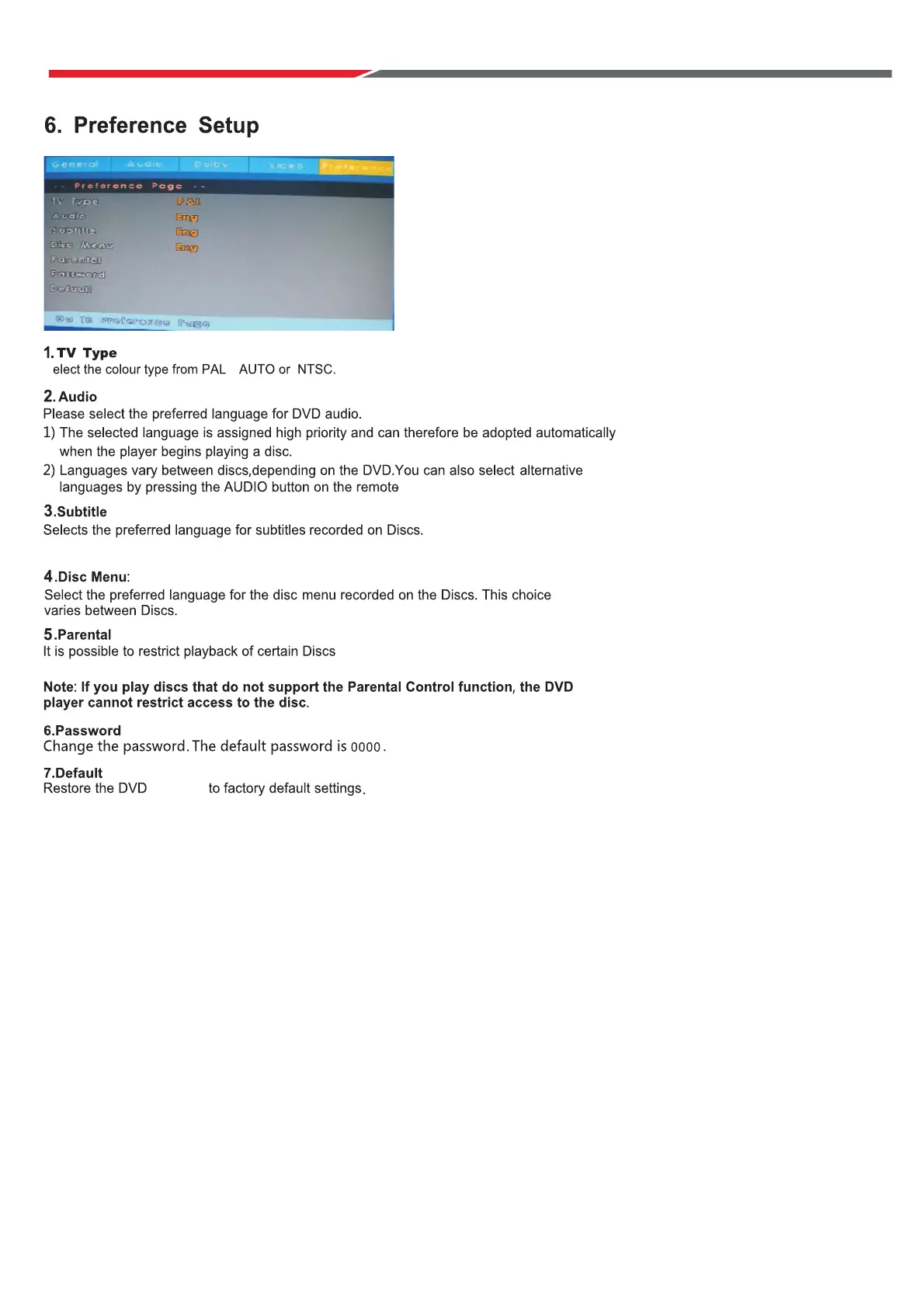
You can also select alternative subtitle languages by pressing the S.Title button on remote.
,
, based on the rating of the disc.
This function is pasword protected.
settings
Initial Installation
Connect a RF cable to the TV’s input called “RF-In”.
Select Language
Press ◄ / ► button to select the language to be used for menus and message.
Select Country
P
Select Tune Type
Press
Press ENTER to continue.
ress / button to highlight country menu.
Press ◄ / ► b
◄ / ► button to select Digital TV Tuning, Analogue TV Tuning or Both.
utton to select. Press ENTER to continue.
53



 To Next Page