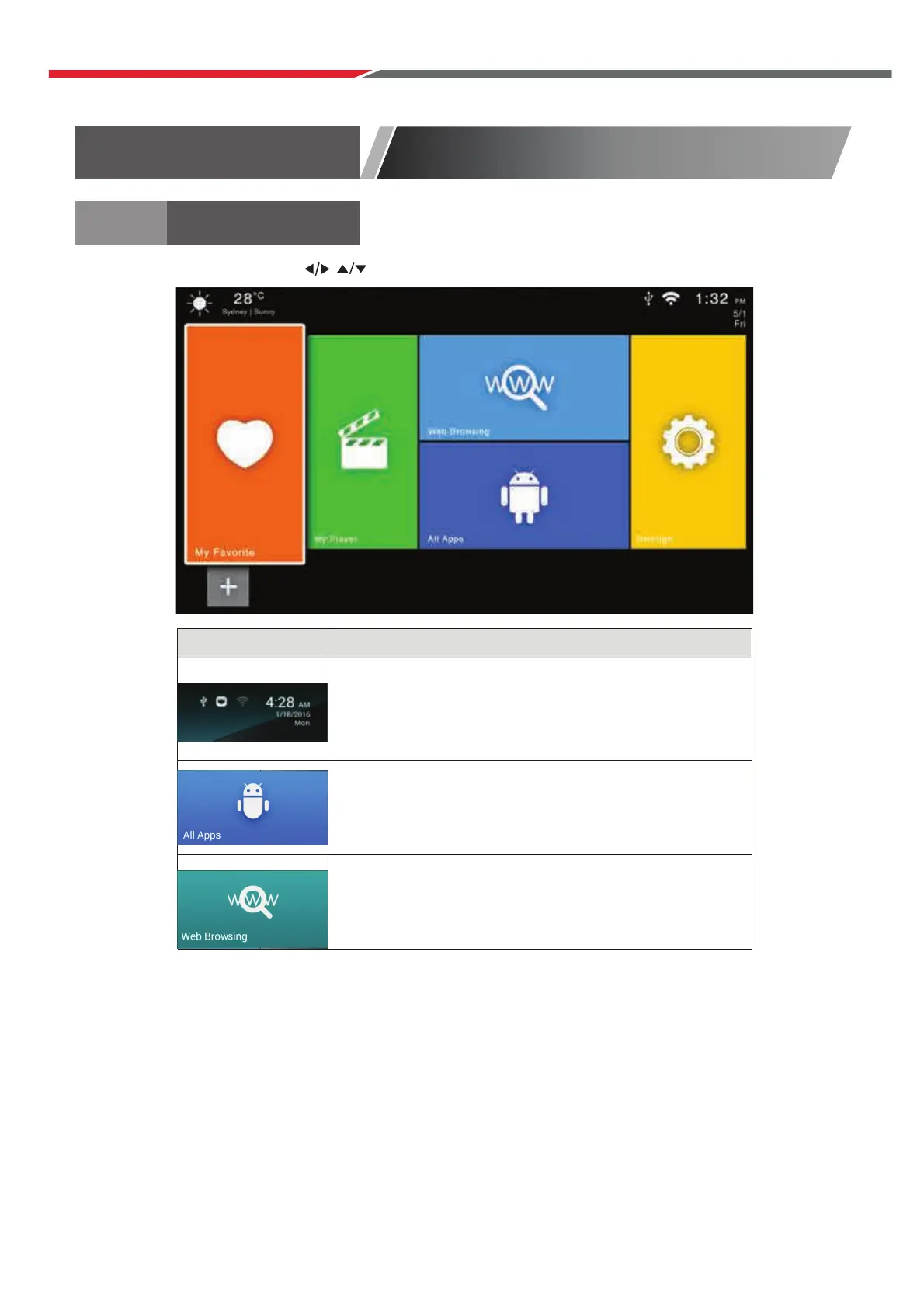
Press the arrow buttons to select the icon and press “enter” to enter the sub-screen.
FUNCTION DESCRIPTION
Display list of all installed apps
The Browser tab contrains bookmarks and a search
bar. You can search for information and watch online
TV, etc.
Main Launcher
Main Launcher
Time information (You can set time information in the
settings); USB/Ethernet/WiFi Function status
(White for working, grey for standby).
Initial Installation
Connect a RF cable to the TV’s input called “RF-In”.
Select Language
Press ◄ / ► button to select the language to be used for menus and message.
Select Country
P
Select Tune Type
Press
Press ENTER to continue.
ress / button to highlight country menu.
Press ◄ / ► b
◄ / ► button to select Digital TV Tuning, Analogue TV Tuning or Both.
utton to select. Press ENTER to continue.
43



 To Next Page