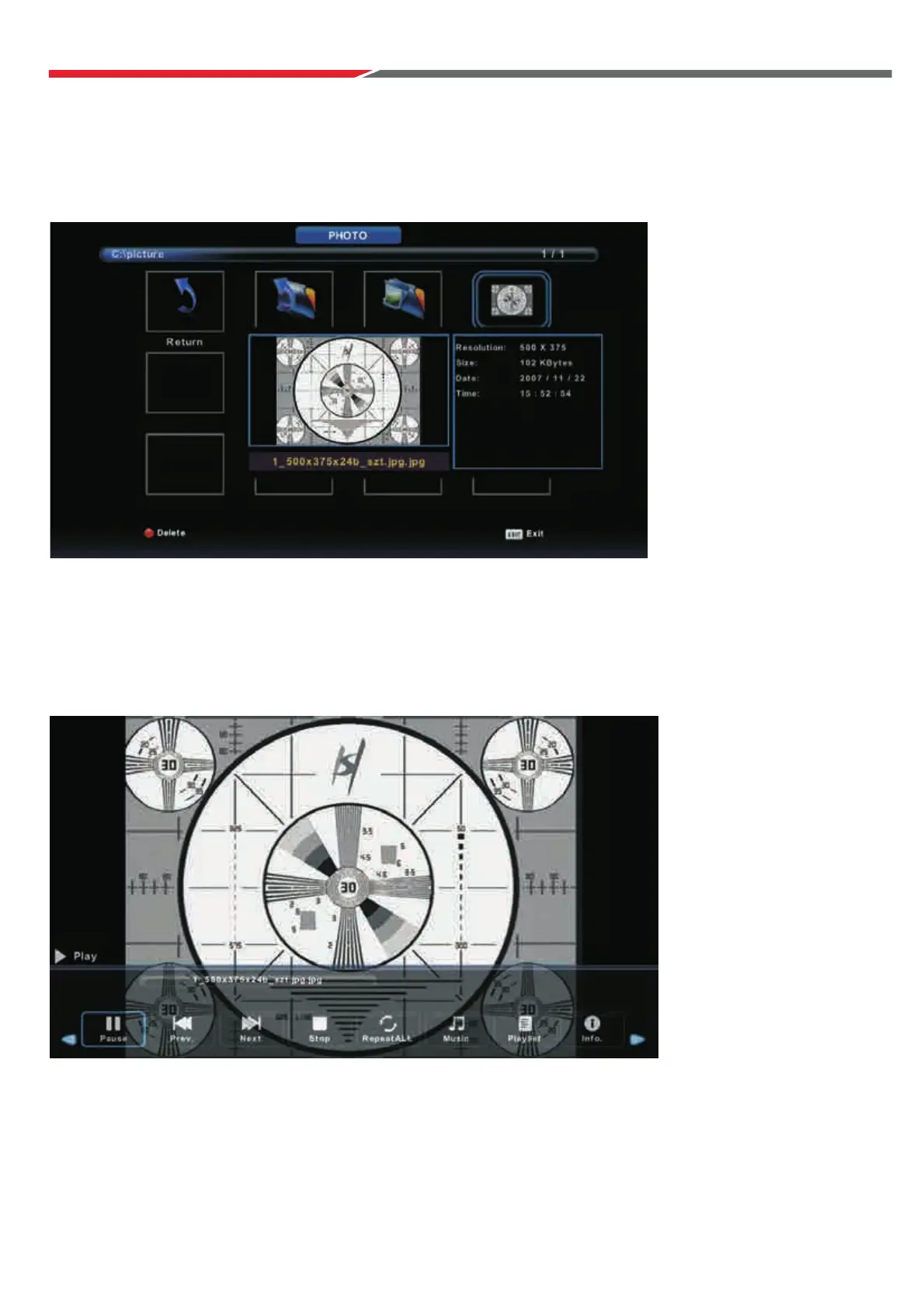
Press ◄ / ► button to select PHOTO in the main menu, then press button to enter.Enter
Press button to return to the previous menu.Exit
Photo Menu
Press ◄ / ► button to select the desired file to watch in the file selecting menu,
then press Enter to display the picture.
When highlighting a photo, the file information will appear on the right and the picture
will be previewed in the center.
36



 To Next Page