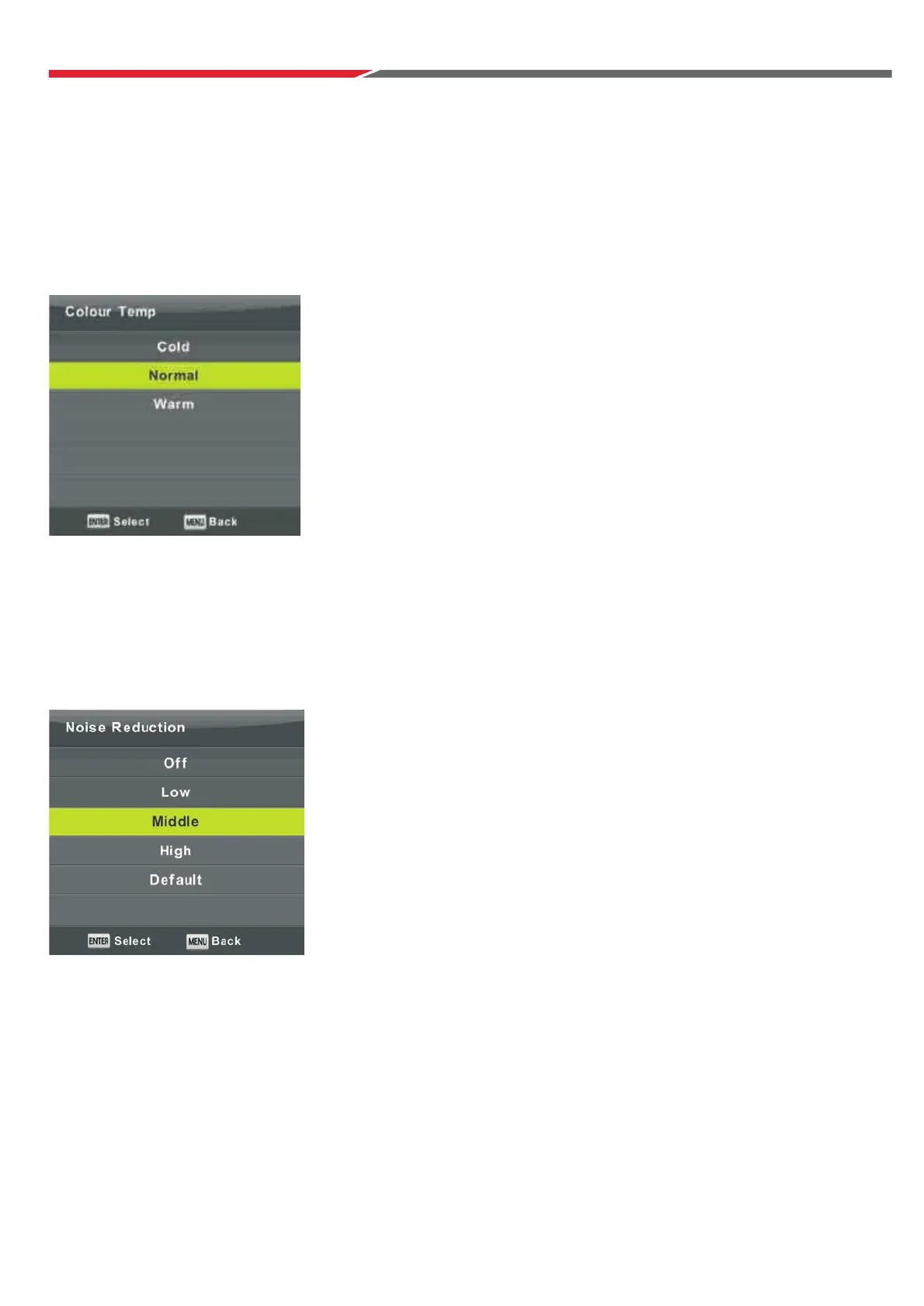
Colour Temp
Press button to select Colour
Press button to select. Press Enter button to confirm.
Noise Reduction
To filter out and reduce the image noise and improve picture quality.
Press button to select Noise Reduction. Then press Enter button to enter sub-menu.
Change the overall color cast of the picture.
Off Select to turn off video noise detection.
Low Detect and reduce low video noise.
Middle Detect and reduce moderate video noise.
High Detect and reduce excessive video noise.
Default Set as Default.
▼ / ▲
▼ / ▲
Temperature, then press Enter button to enter Sub-Menu.
▼ / ▲
Cold Increase the blue tone.
Normal No change in tone.
Warm Increase the red tone.
22



 To Next Page