OS
D Timer
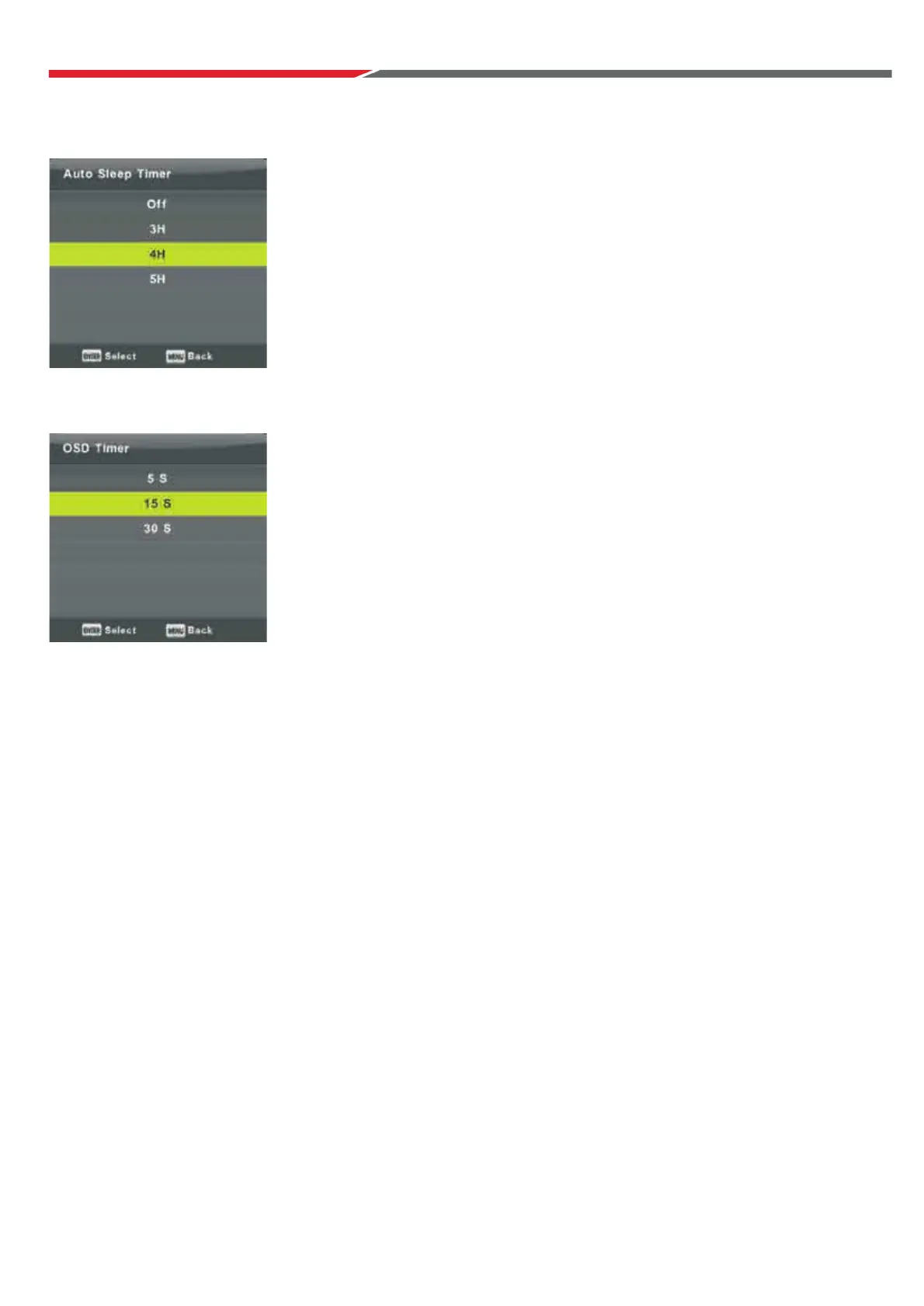
Auto Standby
Press ▼ / ▲ button to select Auto Standby, then press Enter button to
enter sub-menu.
Press ▼ / ▲ button to select.
Tips: Using the remote control resets the timer.
Press ▼ / ▲ button to select OSD Menu Time-Out,
then press Enter button to enter sub-menu.
Pres utton to select.
s ▼ / ▲ b
26



 To Next Page