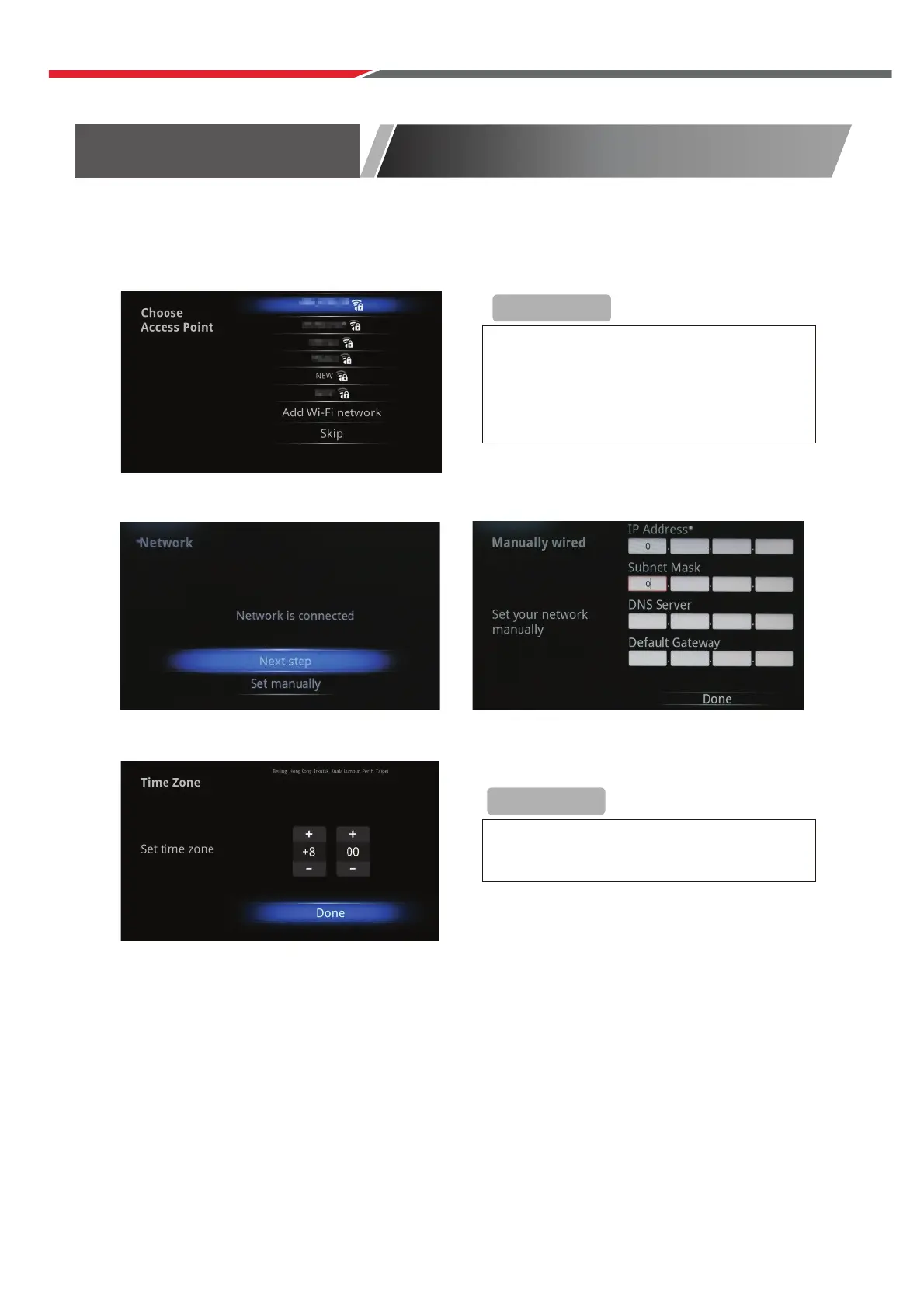
Select Wireless Network (Wi-Fi)
Select Ethernet network(LAN)
Set up the correct Time Zone
Select Ethernet network (LAN) Configure Ethernet manually
S
Install Wizard
If you choose ‘Wi-FI’, select a Wi-Fi
Access Point
If you choose ‘Ethernet’, the screen will
show Ethernet connection status.
If network is not connected, setup the
date and time manually.
+Reminder
+Reminder
Initial Installation
Connect a RF cable to the TV’s input called “RF-In”.
Select Language
Press ◄ / ► button to select the language to be used for menus and message.
Select Country
P
Select Tune Type
Press
Press ENTER to continue.
ress / button to highlight country menu.
Press ◄ / ► b
◄ / ► button to select Digital TV Tuning, Analogue TV Tuning or Both.
utton to select. Press ENTER to continue.
41



 To Next Page