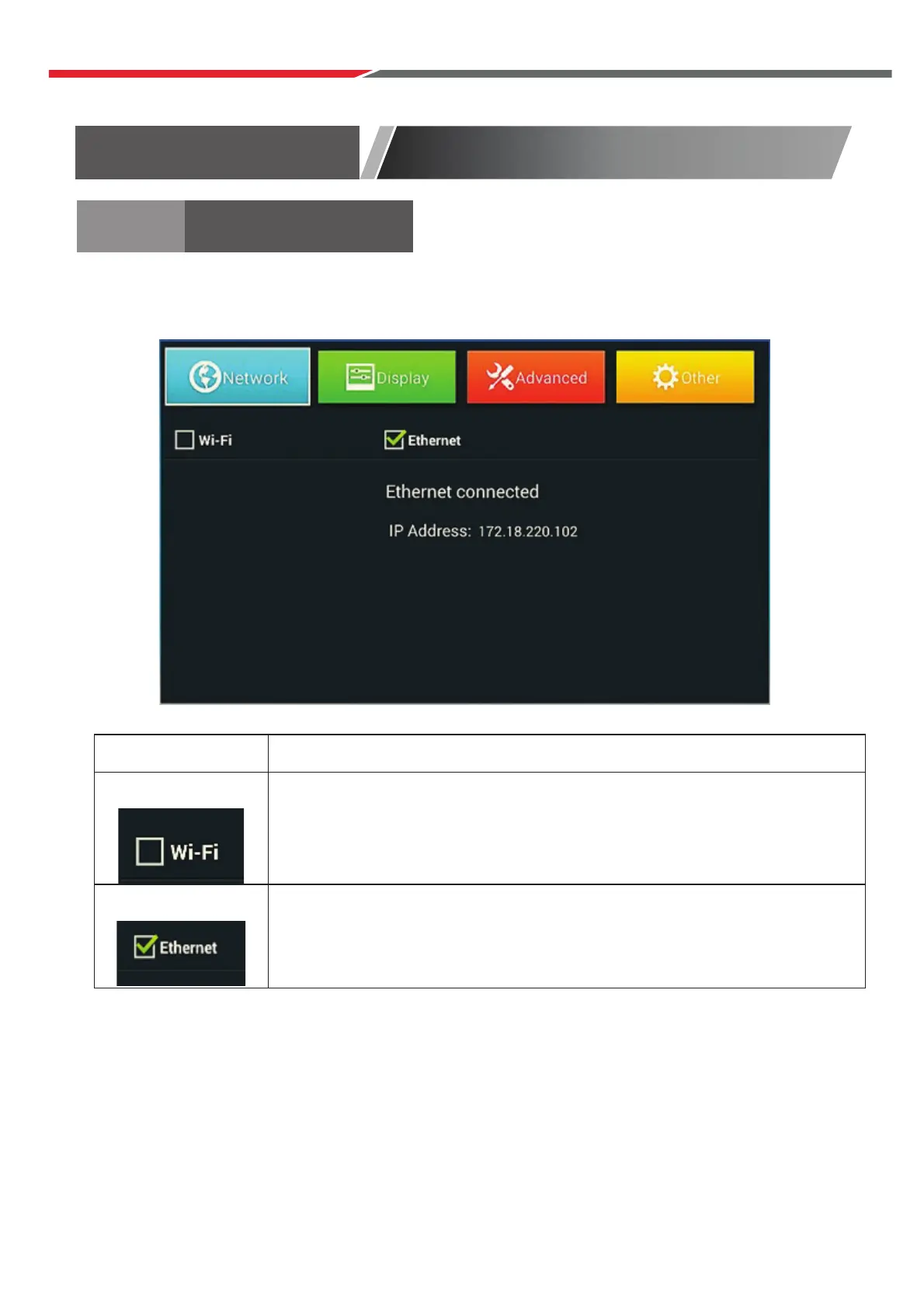
Network
Settings Generation introduction
Wi-Fi settings
Turn on/off Wi-Fi
If on, a list of Wi-Fi access points will be displayed.
Ethernet
Turn on/off Ethernet
If on, the IP address is automatically obtained by DHCP.
SETTINGS
RF cable to the TV’s input called “RF-In”.
Select Language
Press ◄ / ► button to select the language to be used for menus and message.
Select Country
P
Select Tune Type
Press
Press ENTER to continue.
ress / button to highlight country menu.
Press ◄ / ► b
◄ / ► button to select Digital TV Tuning, Analogue TV Tuning or Both.
utton to select. Press ENTER to continue.
Main Launcher
45



 To Next Page