NAVIGATION
Additional Maps and Upgrades – Please visit www.ndrive.com
Technical Help – Please contact the helpline on 0844 557 9677
8.3 Map Appearance
8.3.1 Lane Assistance
Displays information about the up and coming lane layout of junctions on major roads when a
manoeuvre required. There are two ways in which this information is displayed, simplified and
detailed.
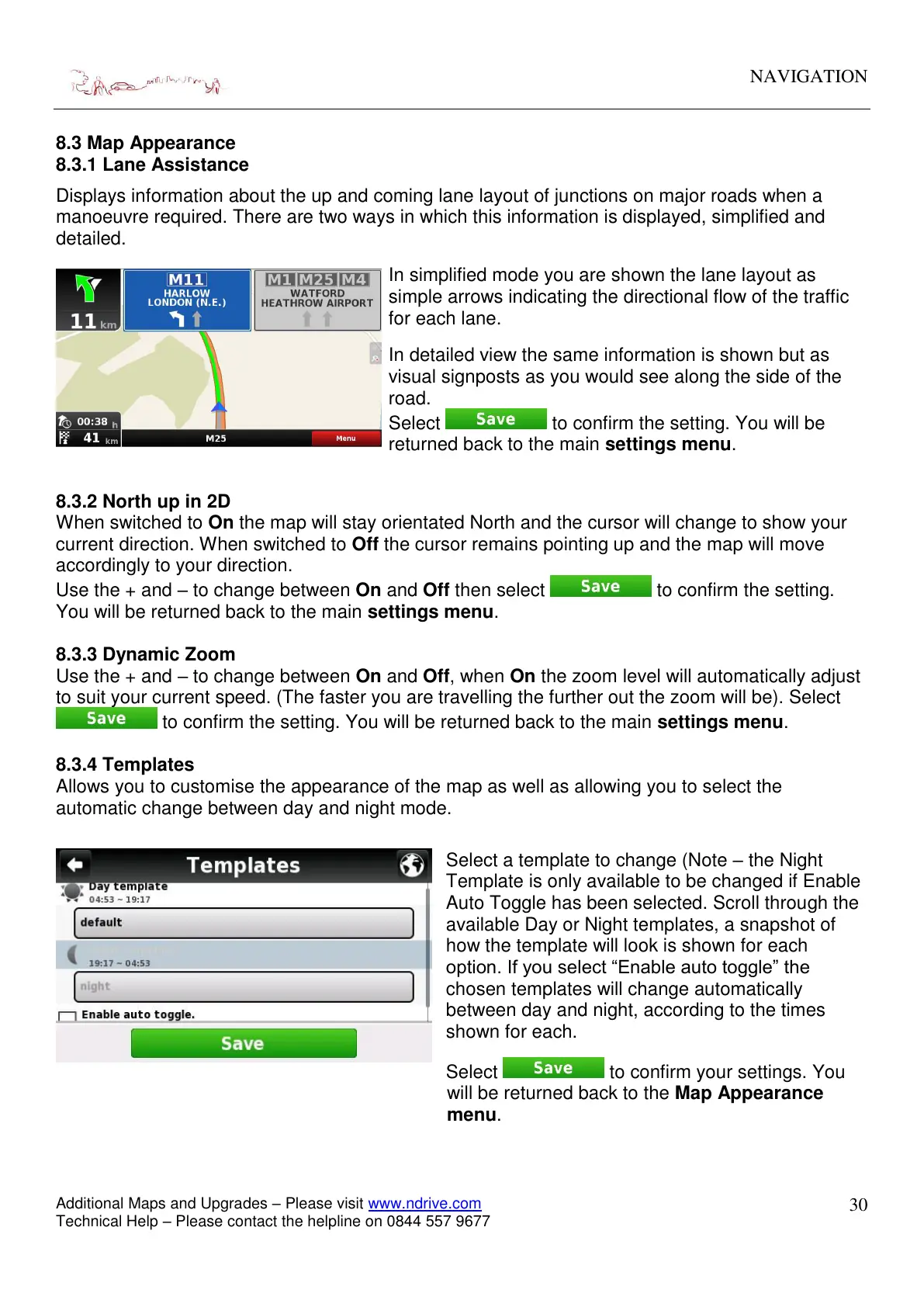
In simplified mode you are shown the lane layout as
simple arrows indicating the directional flow of the traffic
for each lane.
In detailed view the same information is shown but as
visual signposts as you would see along the side of the
road.
Select to confirm the setting. You will be
returned back to the main settings menu.
8.3.2 North up in 2D
When switched to On the map will stay orientated North and the cursor will change to show your
current direction. When switched to Off the cursor remains pointing up and the map will move
accordingly to your direction.
Use the + and – to change between On and Off then select to confirm the setting.
You will be returned back to the main settings menu.
8.3.3 Dynamic Zoom
Use the + and – to change between On and Off, when On the zoom level will automatically adjust
to suit your current speed. (The faster you are travelling the further out the zoom will be). Select
to confirm the setting. You will be returned back to the main settings menu.
8.3.4 Templates
Allows you to customise the appearance of the map as well as allowing you to select the
automatic change between day and night mode.
Select a template to change (Note – the Night
Template is only available to be changed if Enable
Auto Toggle has been selected. Scroll through the
available Day or Night templates, a snapshot of
how the template will look is shown for each
option. If you select “Enable auto toggle” the
chosen templates will change automatically
between day and night, according to the times
shown for each.
Select to confirm your settings. You
will be returned back to the Map Appearance
menu.


 To Next Page