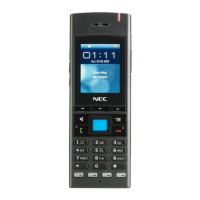
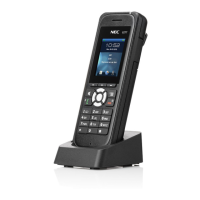
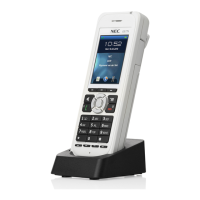
General settings
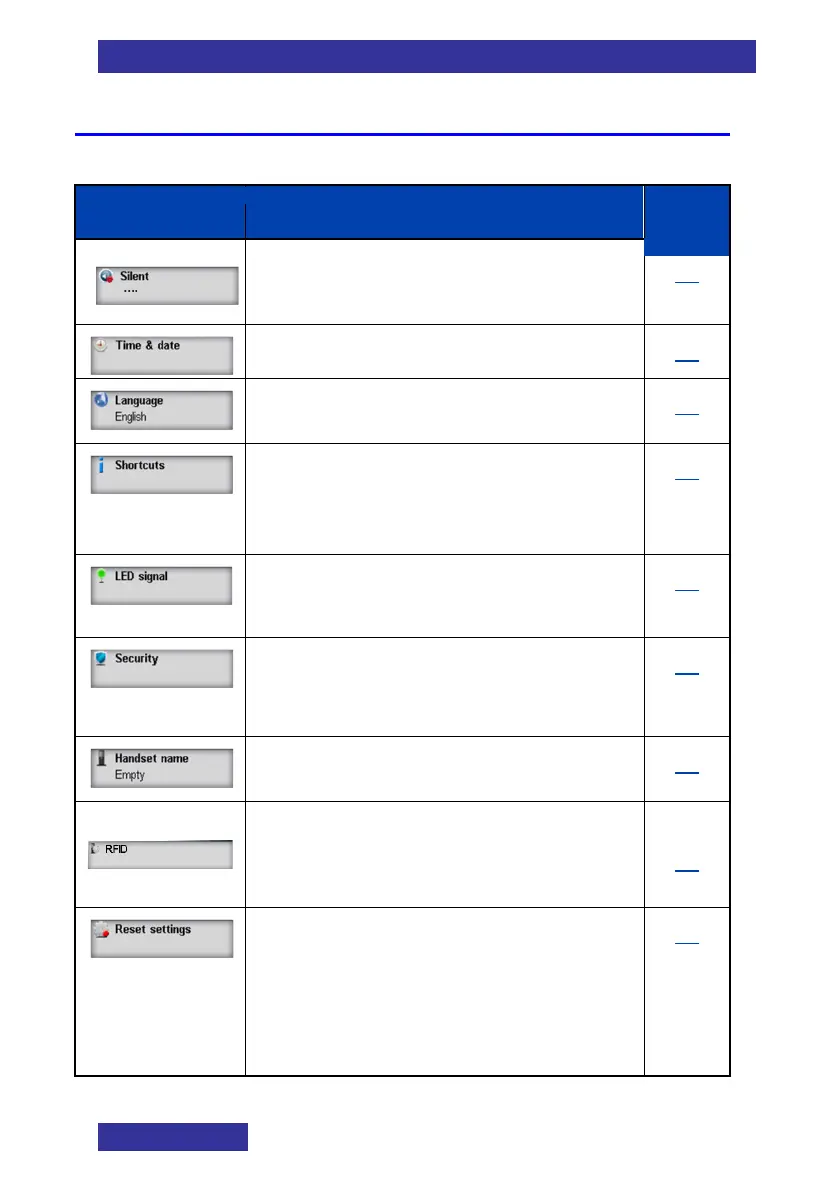
Table 11: General setting
Item
Description
Page
• Switch to/from the silent “profile”
• Set the current Time & date
67
• Set the Language
70
• Create Shortcuts to the handset
menus and features (by pressing a
navigation key)
70
• Assign a certain condition to one
of the three LEDs
71
• Set the security settings: Phone
lock, Automatic keylock, PIN
Code and Proxy password
72
• Set the Handset name
75
• Set the RFID settings:
Notification, Destination and
of LF
75
• Return settings to the factory
values. Not affected are:
Contacts, PIN Code, Proxy
password and the system
registrations
77


 To Next Page