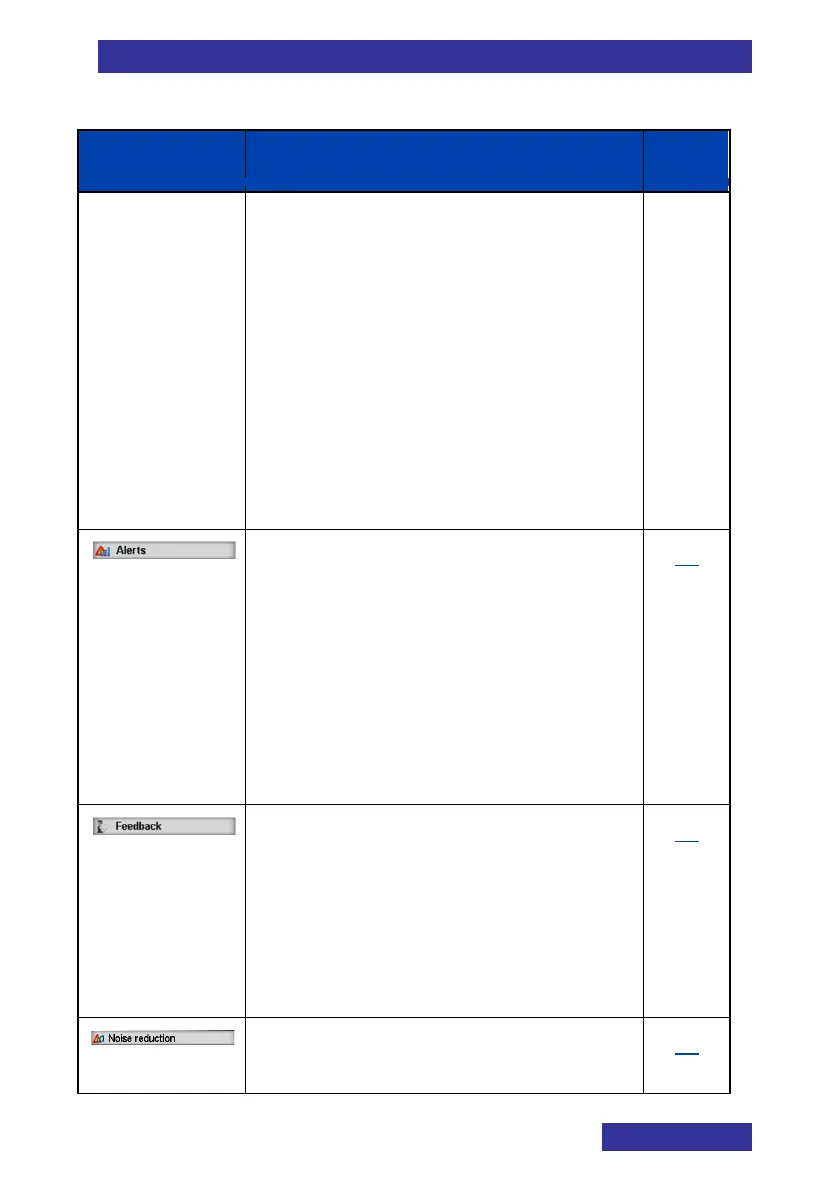
Table 12: Sounds settings
Page
• Notification normal melody for
Normal messages
• Notification urgent melody for
Urgent messages
• Notification emergency melody
for Emergency messages
Increasing notification to
determine whether the Notification
volume increases gradually
• Vibrator to define the trembler
feature for messages
Sound settings related to Alerts (for
Calendar and Alarms):
• Alert volume
• Alert melody
• Increasing alert to determine
whether the Alert volume
increases gradually
• Vibrator to define the trembler
feature for Alerts
86
Sound settings related to:
• Key sound for the sound that
occurs when you press a key
• Confirmation sound for the
sound that indicates successful
setting
88
Configure the settings for Noise
Reduction
90



 To Next Page