8
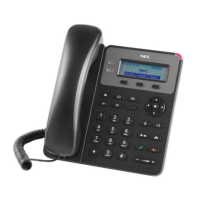
To set up the GT210, follow the steps below:
1. Attach the phone stand or wall mount to the back of the phone where there are slots.
2. Connect the handset and VoIP phone with the phone cord.
3. Connect the LAN port of the phone to the RJ45 socket of a PoE switch using the Ethernet cable.
4. The LCD will display provisioning or firmware upgrade information. Before continuing, please
wait for the date/time display to show up.
Note: For details, contact the system administrator.











 To Next Page