5
1. Introduction
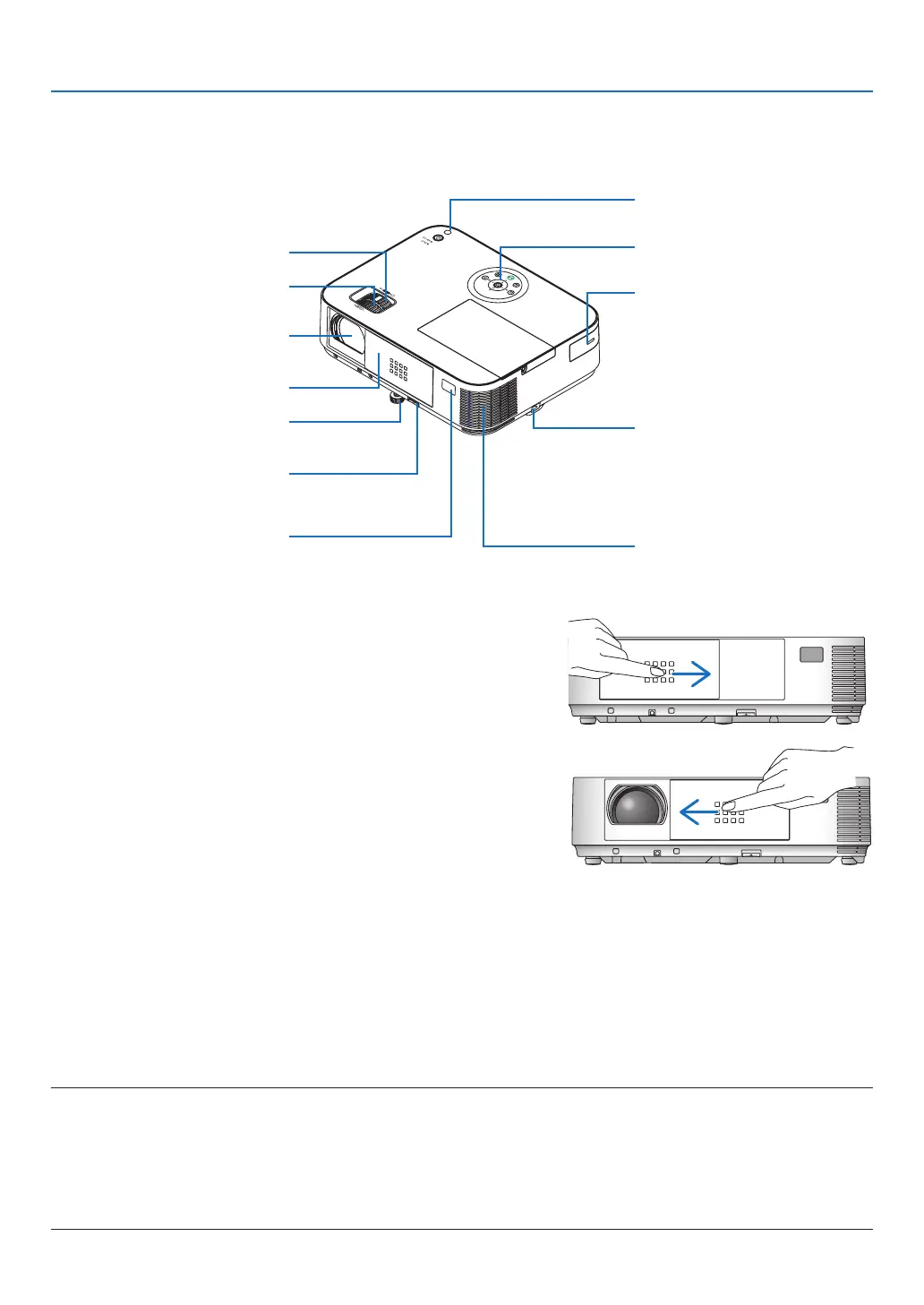
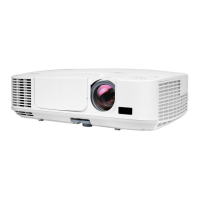
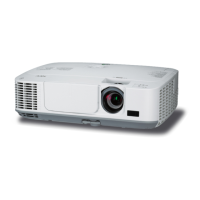
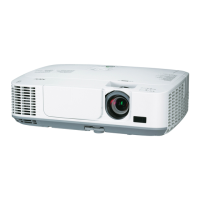
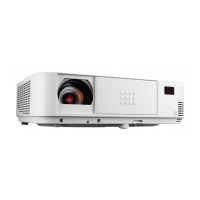
❸ Part Names of the Projector
Front/Top
[M403W/M363W/M323W/M403X/M363X/M323X/M283X/M403H/M323H]
Controls
(→ page 8)
Remote Sensor
(→ page 11)
Exhaust Vent
Heated air is exhausted from here.
Port Cover for Optional USB
Wireless LAN Unit
When using the optional USB
Wireless LAN Unit, first remove
the cover. (→ page 130)
Zoom Lever
(→ page 20)
Lens Cover
Focus Ring
(→ page 21)
Adjustable Tilt Foot Lever
(→ page 19)
Adjustable Tilt Foot
(→ page 19)
Lens
Light Sensor
(→ page 96)
Security chain opening
Attach an anti-theft device.
The security chain opening accepts
security wires or chains up to 0.18
inch/4.6 mm in diameter.
Opening and closing the lens cover
Slidethelenscovertotherighttouncoverthelens.
Tocoverthelens,slidethelenscovertotheleft.
NOTE:
• ThelenscoverworksinconjunctionwiththeAV-MUTEfunction.Closingthelenscoverwillturnofftheimageandsoundduring
normalprojectoroperation;openingitwillrestoretheimageandsound.
Withthelenscoverclosedtheimageandsoundisturnedoff,howeverthelampisstilllit.Iftheprojectorstaysthiswayforabout
2hours,itwillturnoffautomatically.
• Donotpullthelenscoverwithexcessiveforceorapplystrongpressureineithertheupordowndirection.Doingsocancause
damagetothelenscoverslidingmechanism!



 To Next Page