73
4. Using the Viewer
❶ What you can do with the Viewer
TheViewerhasthefollowingfeatures.
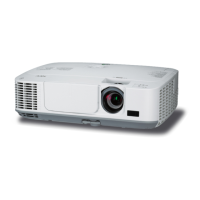
• WhenacommerciallyavailableUSBmemorythatstoresimagelesisinsertedintotheUSB-Aport(TypeA)of
theprojector,theViewerallowsyoutoviewtheimagelesontheUSBmemory.
Evenifnocomputerisavailable,presentationscanbeconductedsimplywiththeprojector.
• SupportedgraphicformatisJPEG.
• TheViewerdisplaysthethumbnailscreen(JPEGExifonly)onwhichyoucanjumptoanyspecicimageyouwish
toproject.
• Therearetwowaysofplaybackforslideshow:manualplaybackandautoplayback.Theintervaltimecanbe
changedinautoplayback.
• Theorderofdisplayingimagescanbesetbyname,dateorsize.Ascendingordescendingordercanbese-
lected.
• Imagescanberotatedby90degreesduringplayback.



 To Next Page