128
8 Using the Computer Cable (VGA) to Operate the Projector
(Virtual Remote Tool)
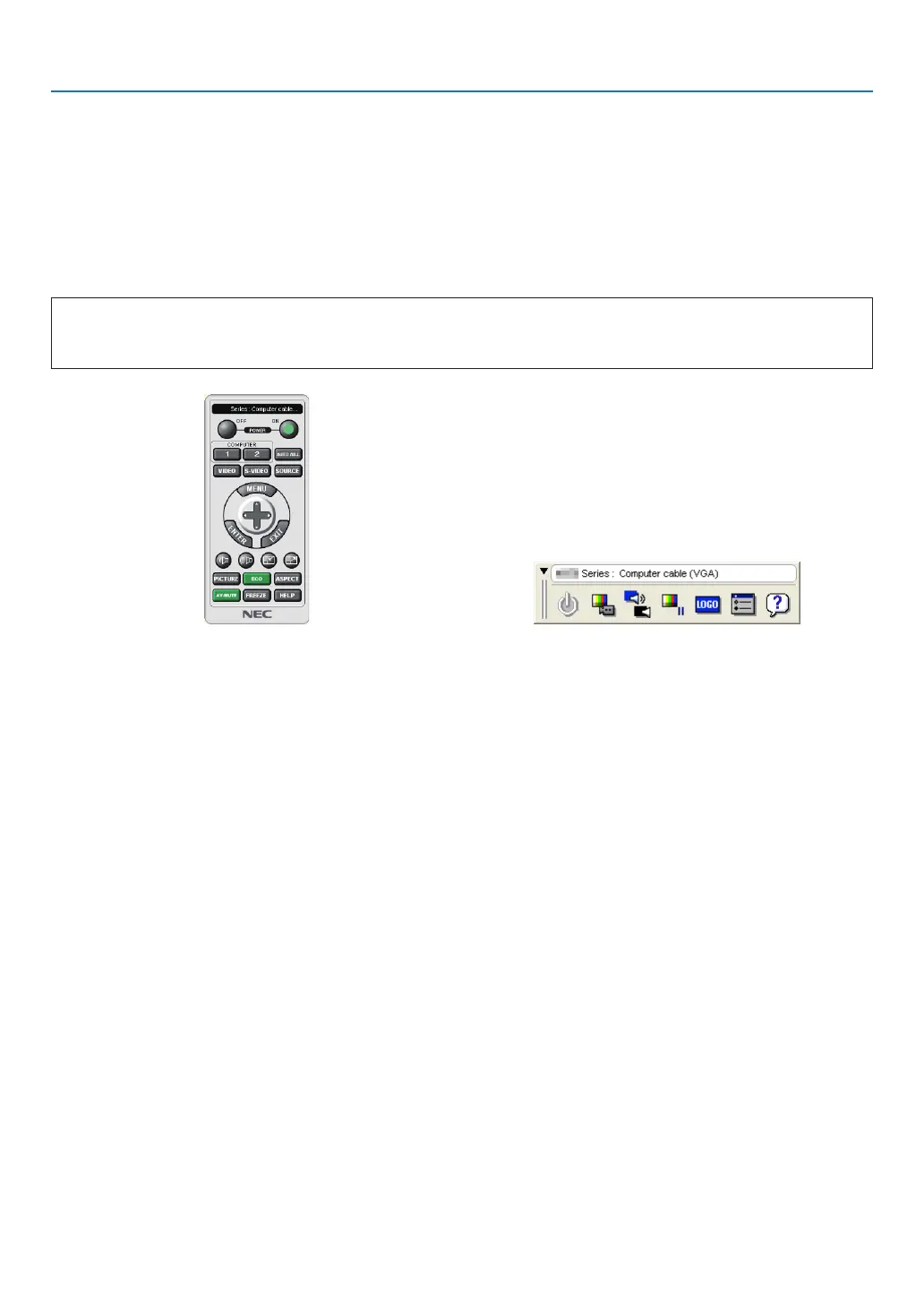
Usingtheutilitysoftware“VirtualRemoteTool”thatisavailabletodownloadfromourwebsite,VirtualRemotescreen
(ortoolbar)canbedisplayedonyourcomputerscreen.
Thiswill helpyouperformoperationssuchasprojector’s poweronoroff andsignalselectionviathecomputer
cable(VGA),serialcable,orLANconnection.OnlyviaserialorLANconnectionitisalsousedtosendanimageto
theprojectorandregisteritasthelogodataoftheprojector.Afterregisteringit,youcanlockthelogotopreventit
fromchanging.
Control Functions
Power On/Off, signal selection, picture freeze, picture mute, audio mute, Logo transfer to the projector, and
remotecontroloperationonyourPC.
VirtualRemotescreen Toolbar
ForgettingtheVirtualRemoteTool,pleasevisitourwebsiteanddownloadit:
http://www.nec-display.com/dl/en/index.html



 To Next Page