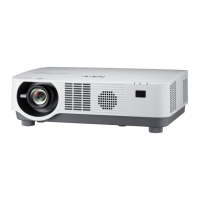
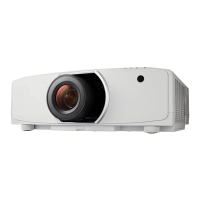
Projector
P502HL/P502WL/
P502HL-2/P502WL-2
User's Manual for the APPS MENU
Contents
1. What can you do with the APPS MENU? ....................................................................2
2. VIEWER
..........................................................................................................................6
3. REMOTE DESKTOP CONNECTION
........................................................................... 10
4. MultiPresenter
.............................................................................................................14
5. Miracast
.......................................................................................................................15
6. WEB SERVER FUNCTION...........................................................................................16
6-1. WEB SHARING ..................................................................................................................... 16
6-2. MultiPresenter
...................................................................................................................... 19
6-3. PROJECTOR CONTROL
...................................................................................................... 21
7. NETWORK SETTINGS ................................................................................................. 22
7-1. PROJECTOR NAME ............................................................................................................. 22
7-2. NETWORK INFORMATION
................................................................................................... 22
7-3. WIRED LAN
.......................................................................................................................... 22
7-4. Wireless LAN
........................................................................................................................ 22
7-5. MultiPresenter
...................................................................................................................... 30
7-6. NETWORK SERVICE
............................................................................................................ 30
8. TOOLS ..........................................................................................................................32
8-1. MOUSE ................................................................................................................................. 32
8-2. PROGRAM TIMER
................................................................................................................ 32
8-3. DATE AND TIME
................................................................................................................... 35
8-4. ADMINISTRATOR MODE...................................................................................................... 35
8-5. DEFAULT APP
...................................................................................................................... 35
Trademarks ......................................................................................................................36
NOTE:
The explanation in this manual corresponds to the projector's firmware 2 in version "3.00" or after.
The firmware version can be checked in the following procedure:
[INFORMATION] on the onscreen menu → [VERSION(2)] → [FIRMWARE2].



 To Next Page

 General