Power
Nopower(POWERindicatordoesnotlightgreen).
Powercable'splugisfullyinsertedintothewalloutlet.
Lampcoverisinstalledcorrectly.
LampHoursUsed(lampoperationhours)wasclearedafter
lampreplacement.
NopowereventhoughyoupressandholdthePOWER
buttonforaminimumof1second.
Shutdownduringoperation.
Powercable'splugisfullyinsertedintothewalloutlet.
Lampcoverisinstalledcorrectly.
PowerManagementisturnedoff(onlymodelswiththe
PowerManagementfunction).
Video and Audio
NoimageisdisplayedfromyourPCorvideoequipmenttothe
projector.
Stillnoimageeventhoughyouconnecttheprojectortothe
PCfirst,thenstartthePC.
EnablingyournotebookPC'ssignaloutputtotheprojector.
Acombinationoffunctionkeyswillenable/disablethe
externaldisplay.Usually,thecombinationofthe"Fn"key
alongwithoneofthe12functionkeysturnstheexternal
displayonoroff.
Noimage(bluebackground).
StillnoimageeventhoughyoupresstheAUTOADJUST
button.
Stillnoimageeventhoughyoucarryout[RESET]inthe
projector'smenu.
Signalcable'splugisfullyinsertedintotheinputconnector
Amessageappearsonthescreen.
(_____________________________________________)
Thesourceconnectedtotheprojectorisactiveand
available.
Stillnoimageeventhoughyouadjustthebrightnessand/or
thecontrast.
Inputsource’sresolutionandfrequencyaresupportedby
theprojector.
Imageistoodark.
Remainsunchangedeventhoughyouadjustthebrightness
and/orthecontrast.
Imageisdistorted.
Imageappearstobetrapezoidal(unchangedeventhough
youcarryoutthe[KEYSTONE]adjustment).
Partsoftheimagearelost.
StillunchangedeventhoughyoupresstheAUTOADJUST
button.
Stillunchangedeventhoughyoucarryout[RESET]inthe
projector'smenu.
Imageisshiftedintheverticalorhorizontaldirection.
Horizontalandverticalpositionsarecorrectlyadjustedona
computersignal.
Inputsource'sresolutionandfrequencyaresupportedby
theprojector.
Somepixelsarelost.
Imageisflickering.
StillunchangedeventhoughyoupresstheAUTOADJUST
button.
Stillunchangedeventhoughyoucarryout[RESET]inthe
projector'smenu.
Imageshowsflickeringorcolordriftonacomputersignal.
Imageappearsblurryoroutoffocus.
Stillunchangedeventhoughyoucheckedthesignal'sreso-
lutiononPCandchangedittoprojector'snativeresolution.
Thethrowdistanceiswithin22.2to30.6cm(8.7"to12.1").
Stillunchangedeventhoughyouadjustedthefocus.
Nosound.
Audiocableiscorrectlyconnectedtotheaudioinputofthe
projector.
Stillunchangedeventhoughyouadjustedthevolumelevel.
Other
Remotecontroldoesnotwork.
Noobstaclesbetweenthesensoroftheprojectorandthe
remotecontrol.
Projectorisplacednearafluorescentlightthatcandisturb
theinfraredremotecontrols.
Batteriesarenewandarenotreversedininstallation
Buttonsontheprojectorcabinetdonotwork.
[CONTROLPANELLOCK]isnotturnedoninthemenu.
StillunchangedeventhoughyoupressandholdtheEXIT
buttonforminimumof10seconds.
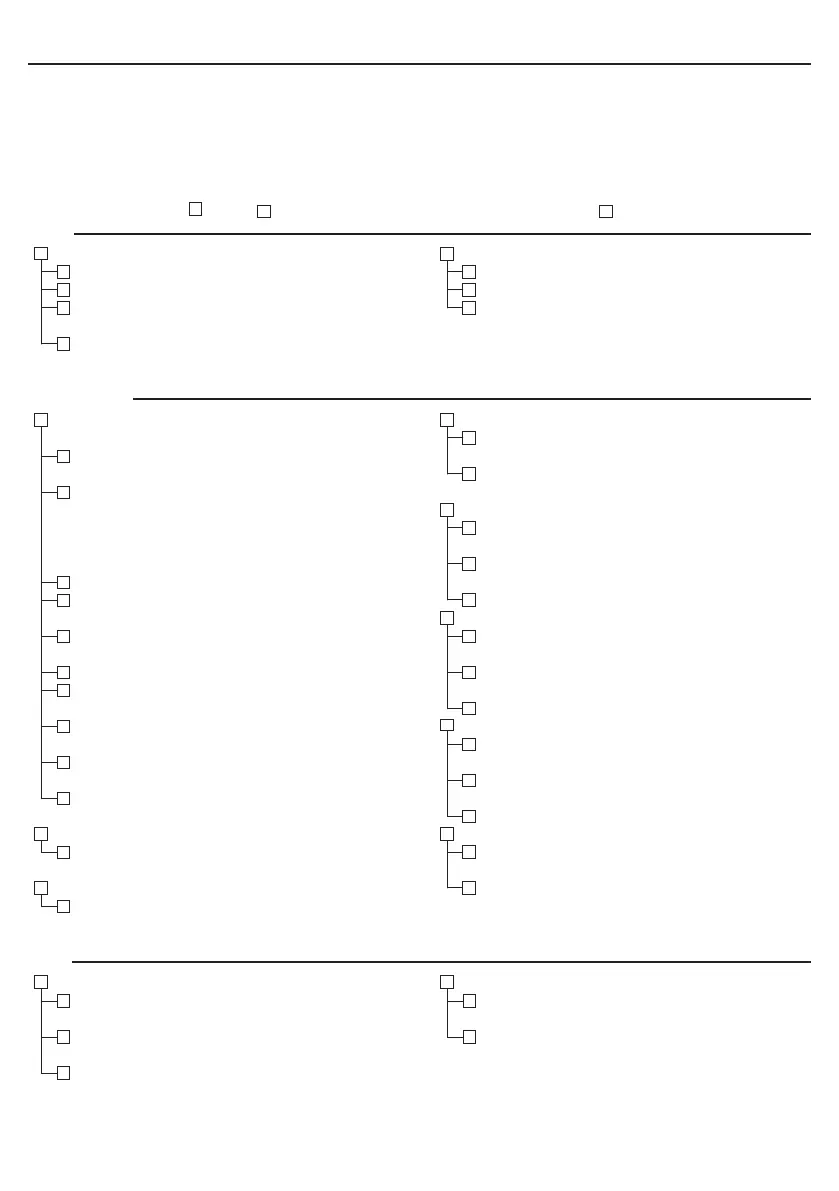
Troubleshooting Check List
Before contacting your dealer or service personnel, check the following list to be sure repairs are needed also by
referring to the “Troubleshooting” section in your user’s manual. This checklist below will help us solve your
problem more efciently.
* Print the following pages.
Frequency of occurrence always sometimes(Howoften?_______________________) other(__________________)


 To Next Page