24
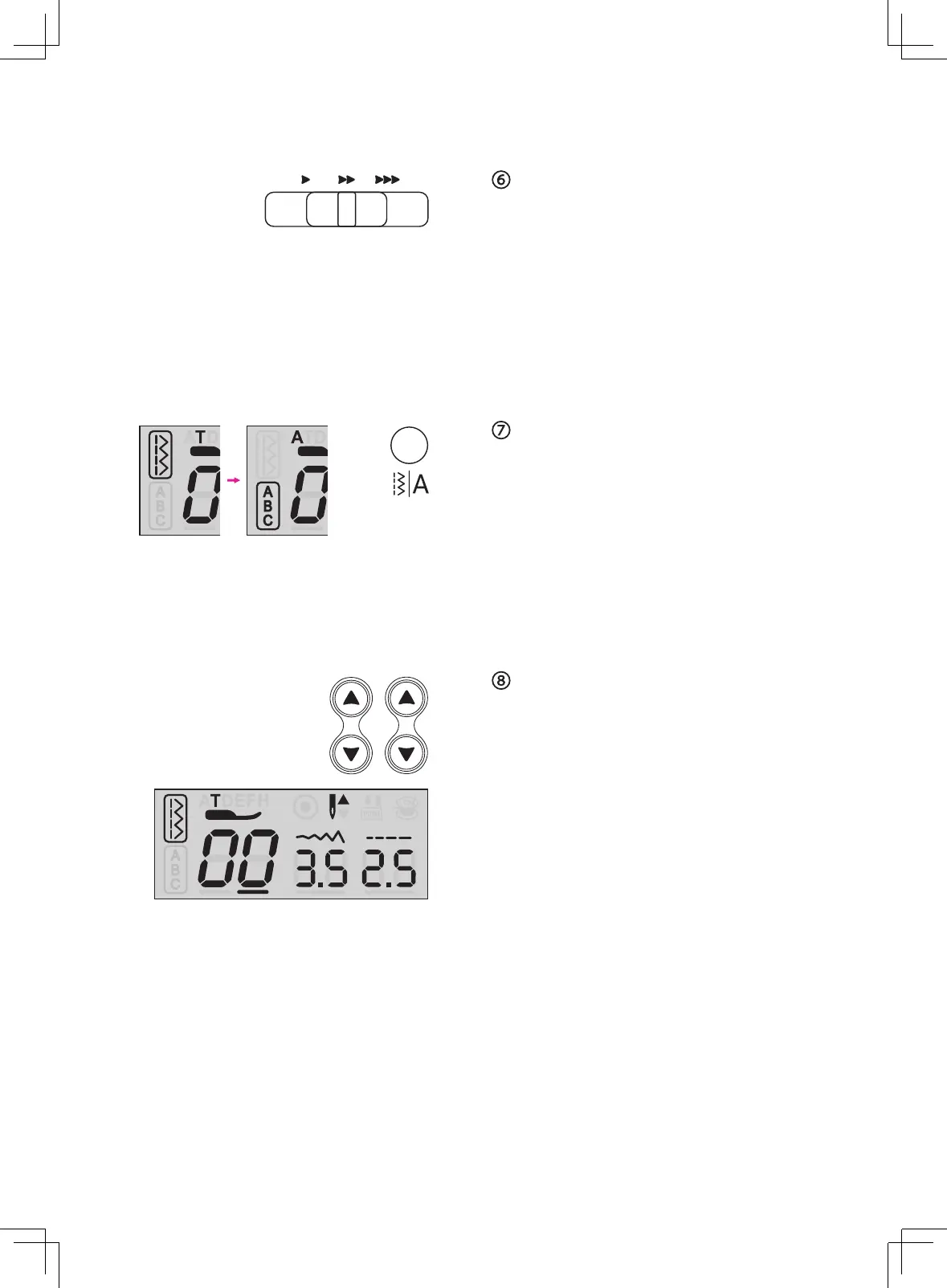
Speed adjustment slider
The speed adjustment slider can control the
sewing speed. To increase the speed, slide
the lever to the right. To decrease the sewing
speed, slide the lever to the left.
The sewing speed can be adjusted without
foot controller.
Pattern group switch button
When machine is turned on, the LCD screen
will be set at Pattern Group. By pressing
the group switch button to select the pattern
group:
Regular Pattern Group
→
Alphabet Group
→
Stitch selecting buttons
Control the selection of the stitch patterns.
The left button controls the left digit and the
right button controls the right digit.



 To Next Page