© by NECTA VENDING SOLUTIONS SpA
02-2004 184 02
41
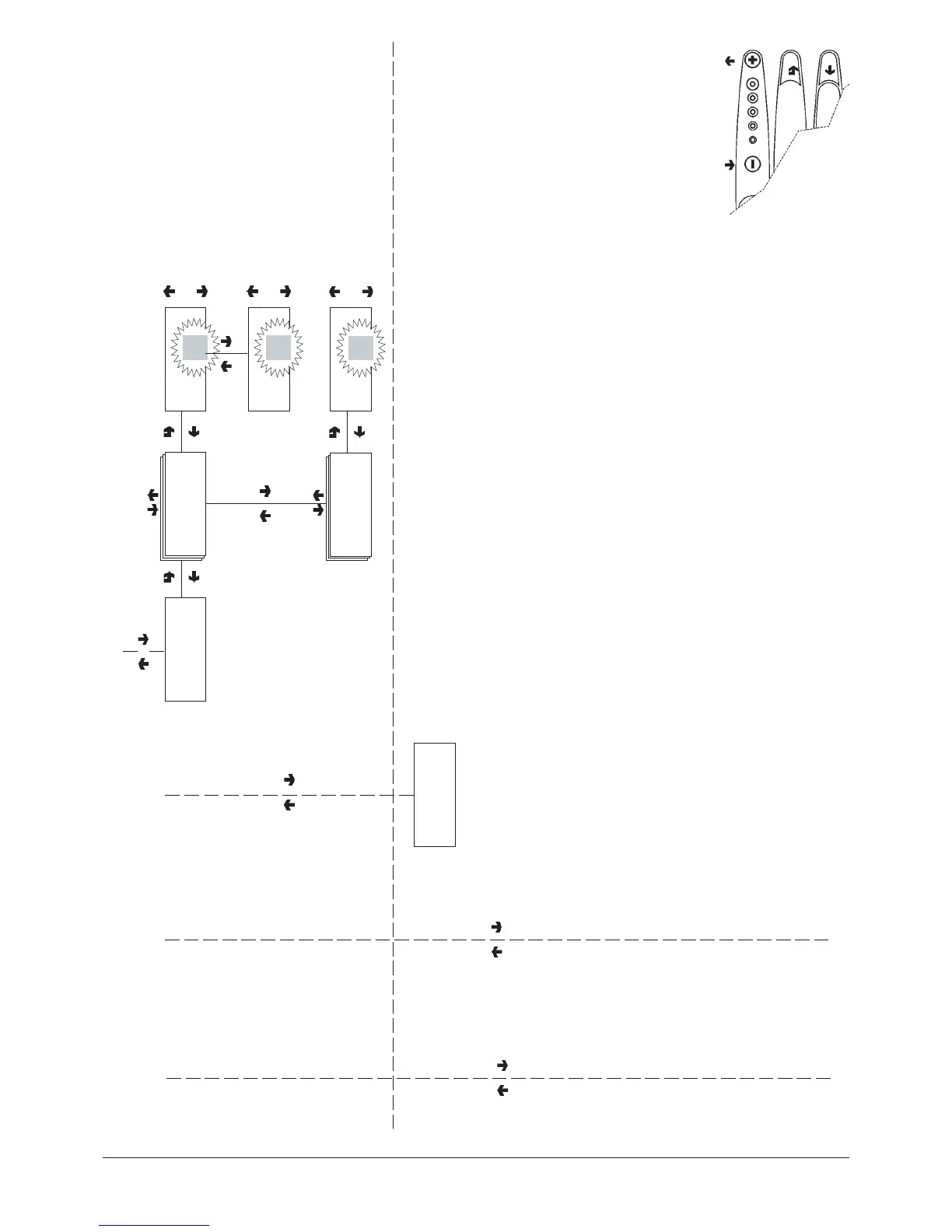
"Technician Menu" - Summary
TECH>2.1.1.3
Time bands
X + 1
X - 1
TECH>2.1.1.3.1
Set date and time
Date: dd/mm/yy d#
Year
##
X + 1
X - 1
Time: hh/mm/ss
Time:‘
##
X + 1
X - 1
TECH>2.1.1.3.2
Time band 1-4
Start: hh/mm
End: hh/
##
CLOCK
When confirming the blinking
values, day, month, year and
week day are entered one
after the other. When
confirming the week day,
hour and minutes are
displayed, which can then be
changed and confirmed.
TIME BANDS
When confirming the blinking
values, hour and minute for
start and end of time band
are entered one after the
other.
When start and end of time
band are set to 00.00 the
bands are not activated.
TECH>2.1.2
Coin mechanisms








 To Next Page