47
sive pads are rmly aached to the screen well.
5. Your
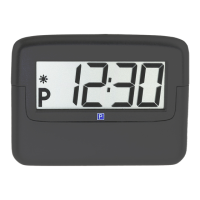
PARK MINI 2 is now installed and ready for use.
Warning:
The
PARK MINI 2 must not be le loose in the vehicle, it must be
ed to the windscreen in order to work properly.
How does PARK MINI 2 work
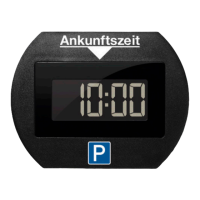
Approximately 20 seconds aer you have parked your car PARK
MINI 2
automacally starts to show the arrival me according
to the sengs.
Manual seng
Your PARK MINI 2 can also be set manually. If you wish to set your
parking me manually, e.g. to be started the next morning,
simply press the ② buon to move the clock forward at 30
minute intervals. Press the buon down and release once the
desired me appears. Please note that this funcon is only
available if the PARK MINI 2 is in park mode.
Baery
If the diode ① starts ashing for 10 seconds when the PARK
MINI 2
goes into park mode or out of it, the baery needs re-
placing within a week.
The baery is commercially available.
DO NOT FORGET TO SET THE CLOCK!
When you change the baery, the clock is automacally reset.


 To Next Page