43
Operang instrucons
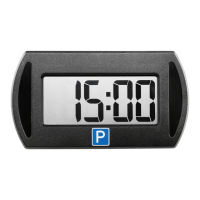
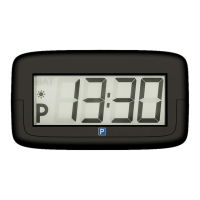
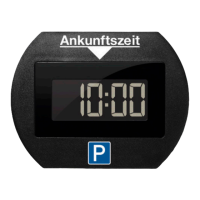
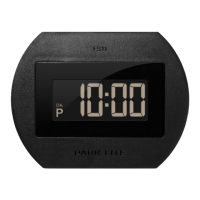
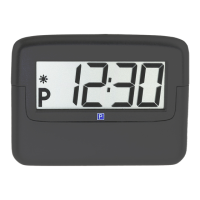
Congratulaons on purchasing your new PARK MINI 2� With PARK
MINI 2
in your car, you no longer need to worry about forget-
ng to adjust your parking disc and thus risking expensive
nes. PARK MINI 2 electronically records the movements of the
vehicle and automacally sets the parking disc to the current
parking me. Parking mode is only ended once the vehicle
starts moving again.
Before geng started with the PARK MINI 2, please read these
operang instrucons carefully. In order to guarantee correct
installaon of the PARK MINI 2, please follow the instrucons
below:
Sengs
A: Acvate the baery
Carefully insert the baery CR 2450 into the baery com-
partment (it can take a lile while before the display starts to
ash).
B: Set the digital clock
(The clock in the
PARK MINI 2
automacally switches between sum-
mer me and winter me, but this funcon can be deacvated man-
ually if required, see C:)
1. In order to acvate the seng mode, use a pointed
object to press the buon ① and hold it down unl
the “Hours”-digits starts to ash.


 To Next Page