44
2. As soon as “Hours” starts ashing, press the ② but-
ton several mes unl the hours is set correctly.
3. Then press the ① buon and “Minutes” will start to
ash. Set the minutes using the ② buon.
4. Proceed in the same way to set the year, month and
date (in that order).
5. Choose the way of showing the parking start me:
0:PE
The start me is exactly the current me. If you park your car
at 13:07 the display will show 13:07. This is valid e.g. in Esto-
nia and Norway.
1:PE
The start me is set to the next quarter. If you park your car at
13:07 the display will show 13:15. This is valid e.g. in Denmark
and Austria.
2:PE
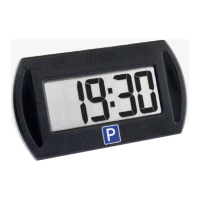
The start me is set to the next half hour. If you park your
car at 13:07 the display will show 13:30. This is valid e.g. in
Finland, Germany and Switzerland.
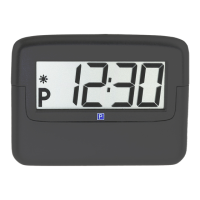
6. Once all the sengs have been made only the colon (:)
on the me display should be ashing.


 To Next Page