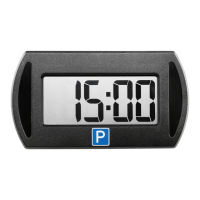
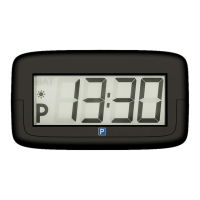
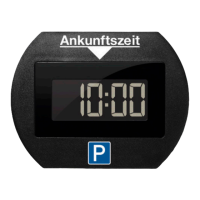
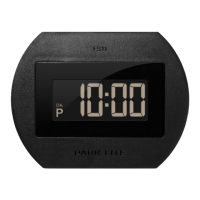
45
If one of the digits is sll ashing, press the ① buon several
mes unl the ashing stops. To change the sengs for the
PARK MINI 2, the process can be repeated by pressing and hold-
ing the ① buon unl “Hours” -digits starts to ash.
Check the me and the correct funconality regularly, espe-
cially when switching between summer and winter me. Ne-
edit ApS and importer will not reimburse any parking charges.
C: Activating/deactivating summer/winter time
By default, the digital clock is set to switch automacally be-
tween summer me and winter me. For countries without
daylight-saving me, the funcon can be deacvated as fol-
lows:
1. To acvate sengs mode, press buons ① and ②
at the same me unl “Hours” and “Minutes” -digits
shows “oN:Su”�
2. Slowly release the ① buon.
3. Hold down the ② buon unl the display shows “oF:-
Su”�
4. The display automacally reverts to funcon mode.
The
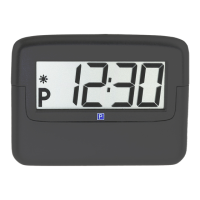
PARK MINI 2 is now ready to t to the inside of the front
windscreen.
NB: Only one parking disc can be used in the vehicle and the


 To Next Page