10
Electronic clock
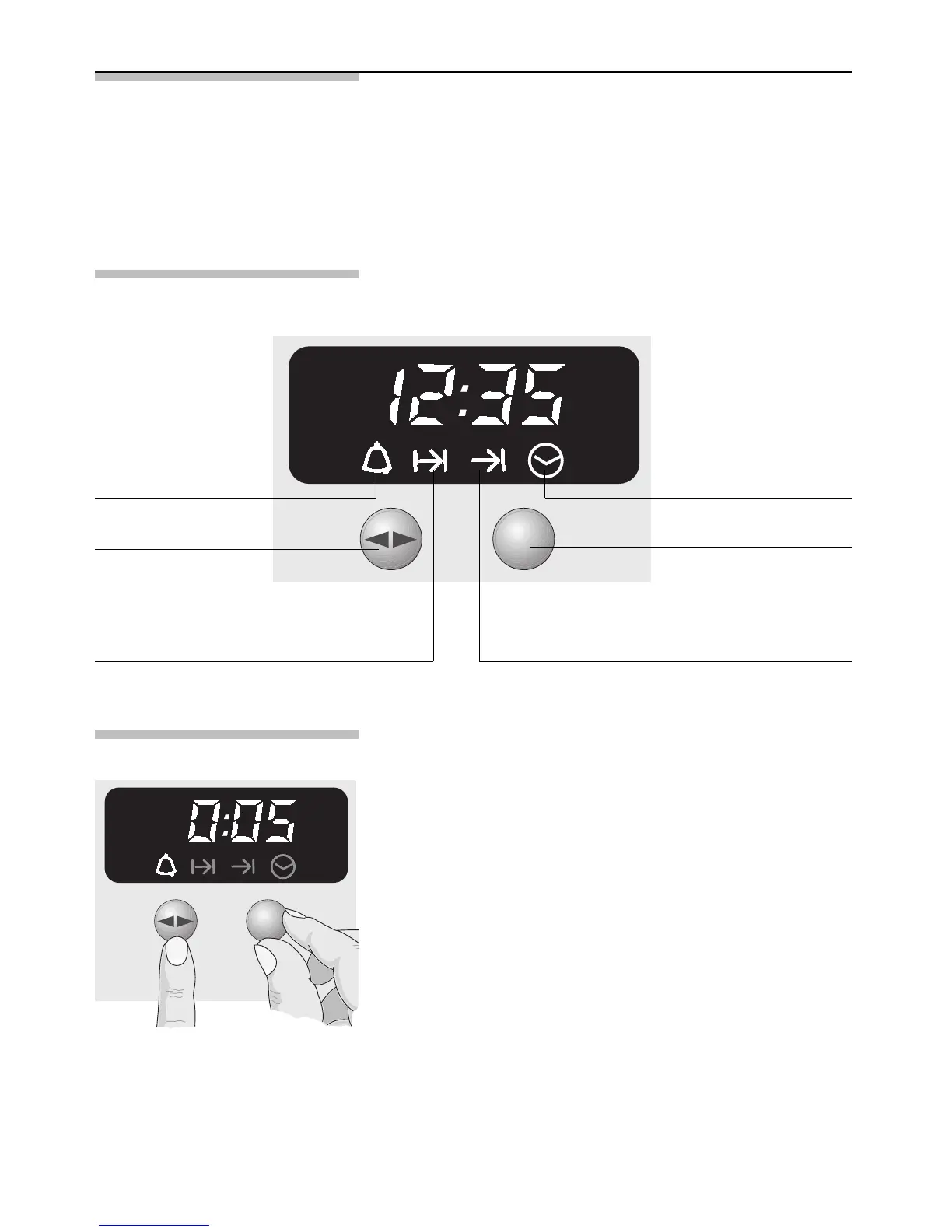
The electronic clock can be operated with one hand;
after pressing the button, set the time with the rotary
knob. Settings can be made for as long as the
function display flashes (~4 seconds).
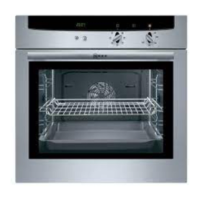
The control panel
Minute timer
Set cooking time OFF time
Rotary knob
To engage and
disengage, depress
gently
Time of day
Function selector
Minute timer 1. Press the > button and set the cooking time
(e.g. 5 minutes).
When the timer switches on, the remaining time
is displayed.
2. When the time has elapsed, a signal is emitted
and the
,
symbol flashes. To stop the signal,
press the > button.



 To Next Page