en Operating the appliance
12
Cleaning the cooking compartment
To eliminate the new-appliance smell, heat up the
cooking compartment without anything in it and with the
oven door closed.
1. Remove the accessories from the cooking
compartment.
2. Remove any leftover packaging, such as polystyrene
pellets, from the cooking compartment.
3. Before heating the appliance, wipe the smooth
surfaces in the cooking compartment with a soft,
damp cloth.
4. Set the specified type of heating and temperature.
5. Keep the kitchen ventilated while the appliance is
heating.
6. Switch off the appliance once the specified time has
elapsed.
7. Wait for the cooking compartment to cool down.
8. Clean the smooth surfaces with soapy water and a
dish cloth.
Cleaning the accessories
Clean the accessories thoroughly using soapy water
and a dish cloth or soft brush.
1Operating the appliance
Oper at i ng the appl i ance
You have already learnt about the controls and how
they work. Now we will explain how to apply settings on
your appliance.
Switching the appliance on and off
Use the function selector to switch the appliance on or
off. Turning the function selector to any position other
than the "Off" position switches on the appliance. To
switch off the appliance, always turn the function
selector to the "Off" position.
Setting the type of heating and temperature
It is very easy to use the function and temperature
selector to make settings for your appliance. To find out
which type of heating is best for which type of food,
refer to the beginning of the instruction manual.
~ "Getting to know your appliance" on page 8
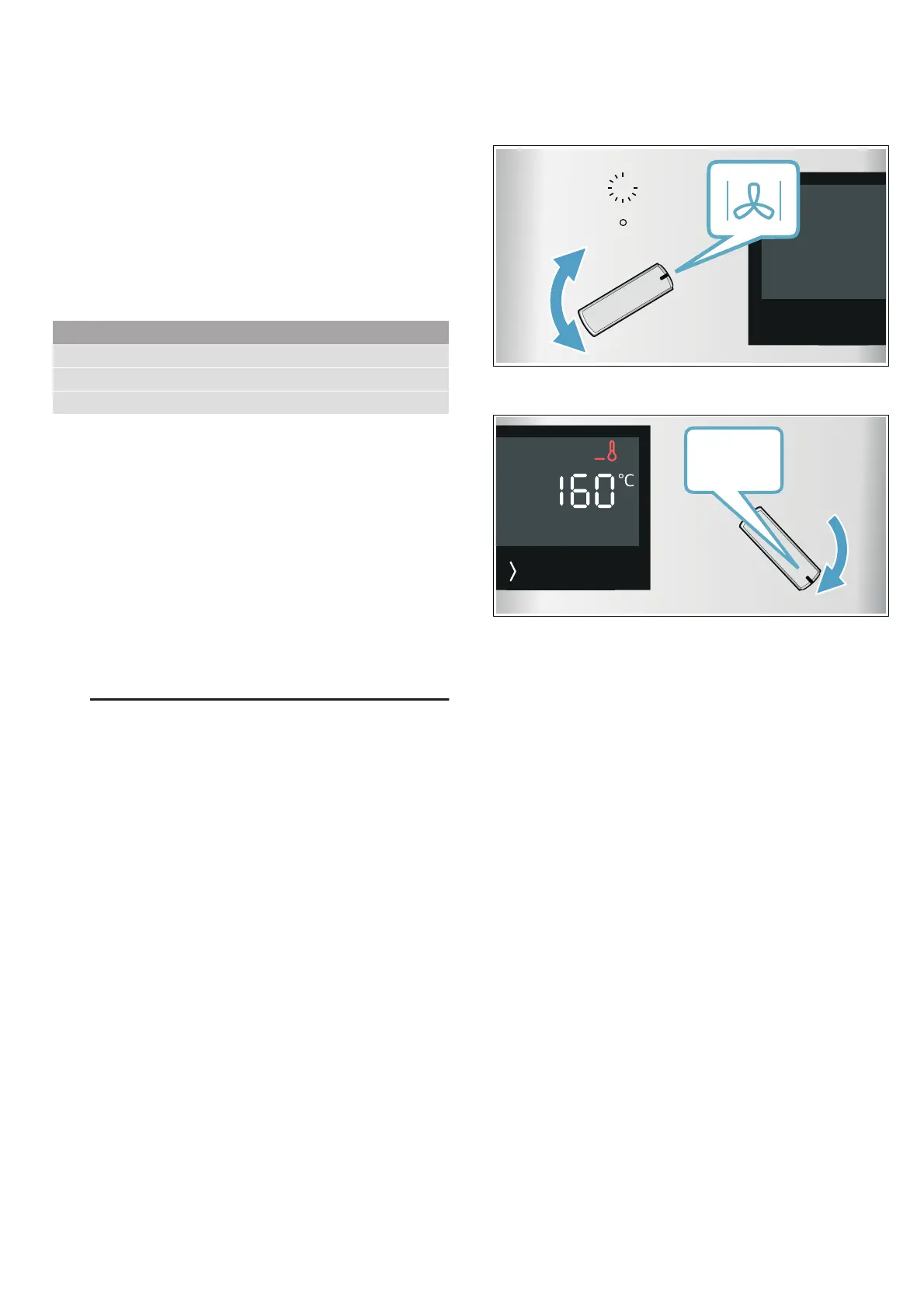
Example in the picture: CircoTherm Hot Air ‚ at
160 °C.
1. Use the function selector to set the type of heating.
2. Use the temperature selector to set the temperature
or grill setting.
The appliance starts to heat up after a few seconds.
Note: If œ flashes in the display, the temperature in the
cooking compartment is too high for the selected
operating mode. Switch the appliance off, wait until it
has cooled down and then switch it back on again.
Once your food is cooked, turn the function selector to
the "Off" position to switch the appliance off.
Note: You can set both a cooking time and an end time
on the appliance. ~ "Time-setting options" on page 13
Changing
The heating function and temperature can be changed
at any time using the relevant selector.
If you change the heating function, the temperature will
be changed to the corresponding default value.
Temperature display
As soon as the appliance heats up, the / symbol
appears in the display. The lines are filled from the
bottom to the top as the cooking compartment heats
up.
When you are preheating the appliance, the optimal
time to place your food in the cooking compartment is
when the / symbol first goes out.
Settings
Type of heating CircoTherm ‚
Temperature Maximum
Cooking time 1 hour
&


 To Next Page