22
Version: 9a
13.11.2018
EN
Press the key to nish programming.
Press the key
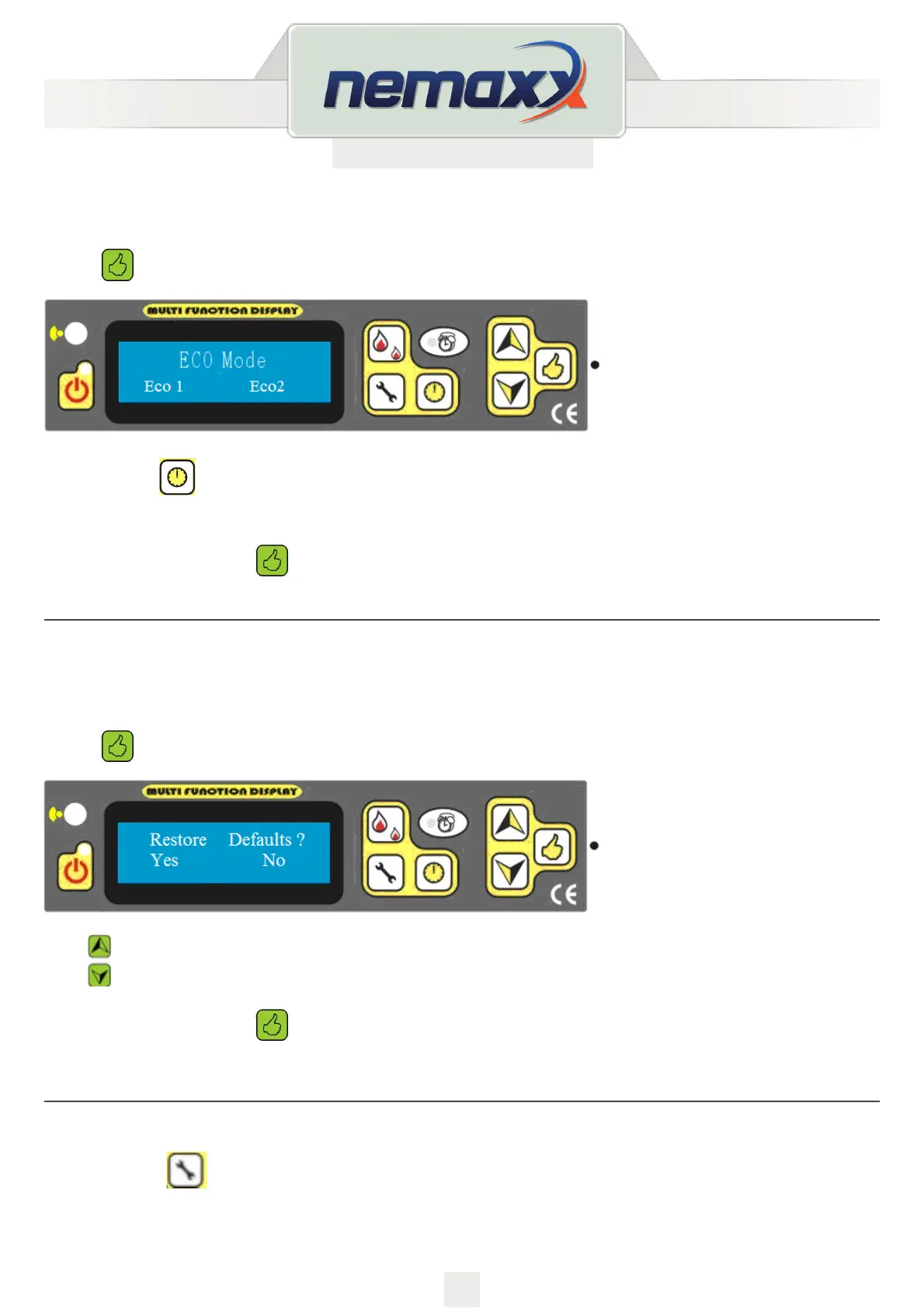
,to select the Mode 1 or Mode 2
Mode 2 is for turning to minimum power, while mode 1 is for stopping the stove.
To sav e t h e setti n g p r e ss
and enter the next setting.
ECO MODE SETTING
Begin as described on page 18.
Press
until the following message appears:
With
, you can choose Yes, Or No. “Yes”- resets factory settings “NO” - use the data you have
changed.
To sav e t h e setti n g p r e ss
and enter the next setting.
RESTORE DEFAULTS SELECT
Begin as described on page 18.
Press
until the following message appears:


 To Next Page