NeoPAC
- 43 -
Clock setting
To set the clock time:
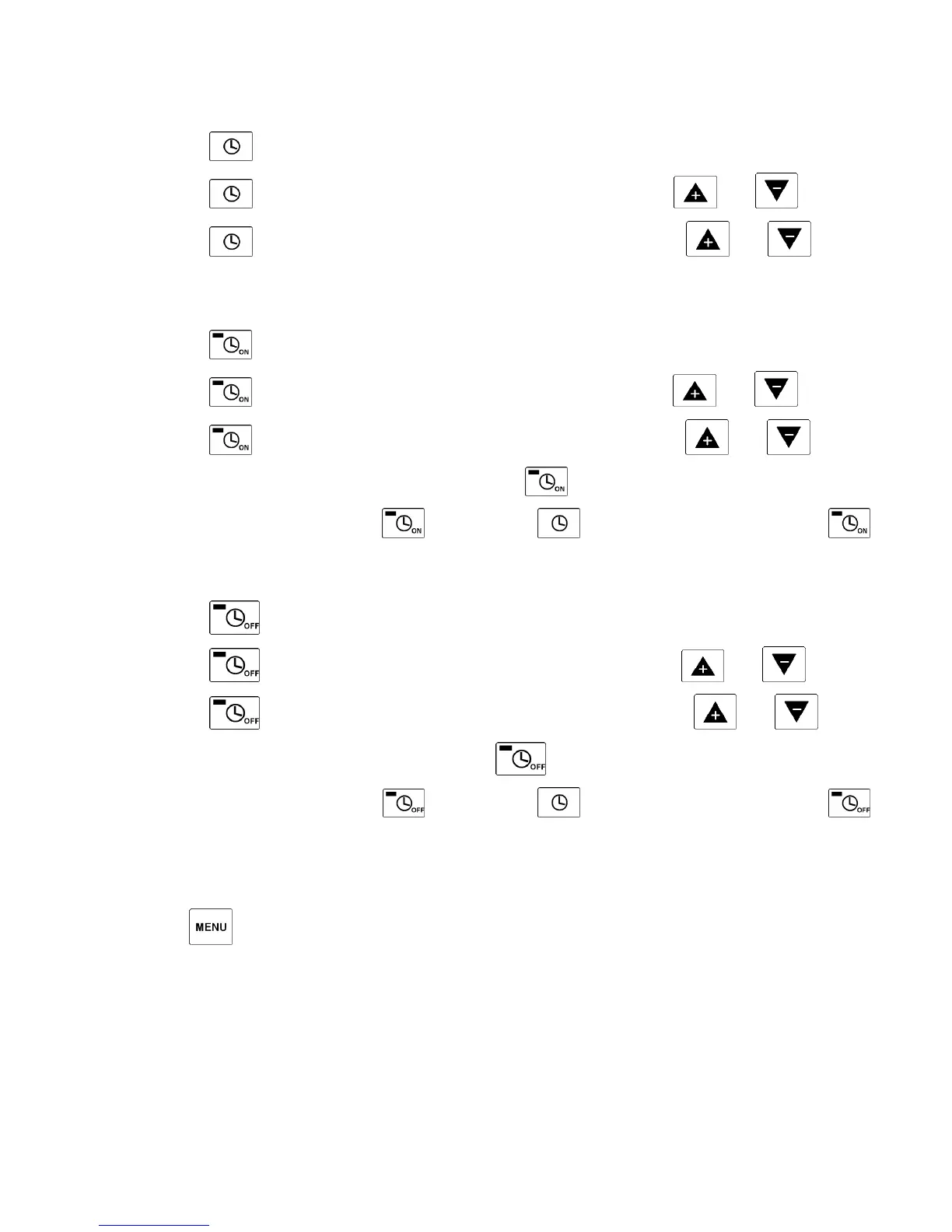
• Press one time (time is blinking).
• Press a second time (hours are blinking), set the hours with and .
• Press a third time (minutes are blinking), set the minutes with and .
Timer ON/OFF setting
Timer ON setting
• Press one time (time is blinking).
• Press a second time (hours are blinking), set the hours with and .
• Press a third time (minutes are blinking), set the minutes with and .
• When the setting is done, the LED from button lights up.
• To cancel the setting, press one time and one time (the LED from button
will stop lighting).
Timer OFF setting
• Press one time (time is blinking).
• Press a second time (hours are blinking), set the hours with and .
• Press a third time (minutes are blinking), set the minutes with and .
• When the setting is done, LED from button lights up.
• To cancel the setting, press one time and one time (the LED from button
will stop lighting).
Others parameters
Button helps to check internal parameters (cannot be set).



 To Next Page