3 Part Names
3-4
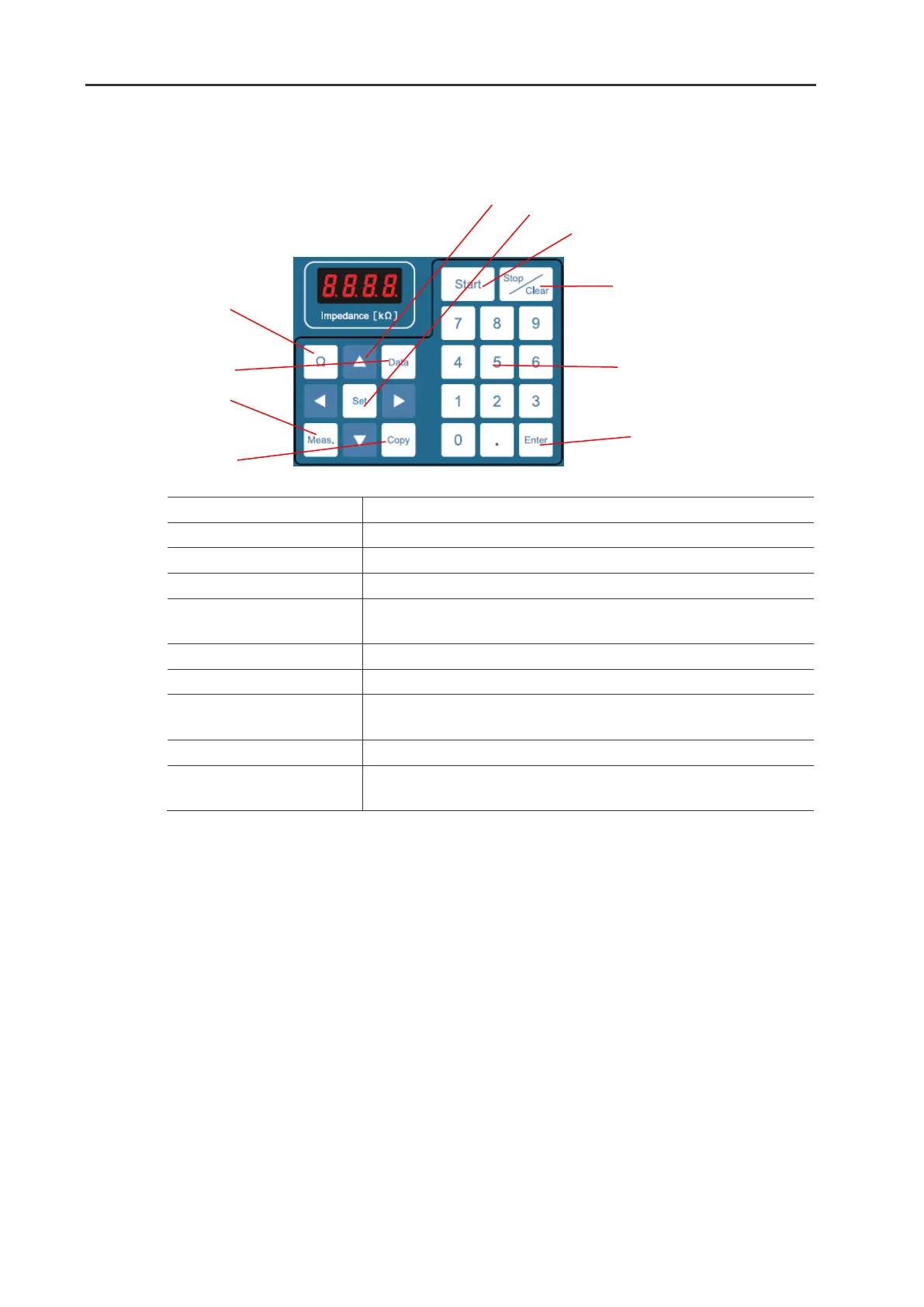
5. Button Keys
Execute the impedance measurement function between the electrodes
Send the data of the set and measured parameters.
Display the measured parameters.
Copy the set parameters to another program number.
Select the parameter/item to be edited.
Change the displaying of Measurements.
Enable the edit of the parameter to be modified.
Execute the program (pulsing).
Cancel the program or the parameter editing.
Delete the entered value.
Enter the numerical value.
Execute the recall of the program.


 To Next Page